Interrogation of Program Settings
The keyboard of the Form 4C control can be used to interrogate and display all programmed parameter settings. The
most commonly used parameters have dedicated function keys.
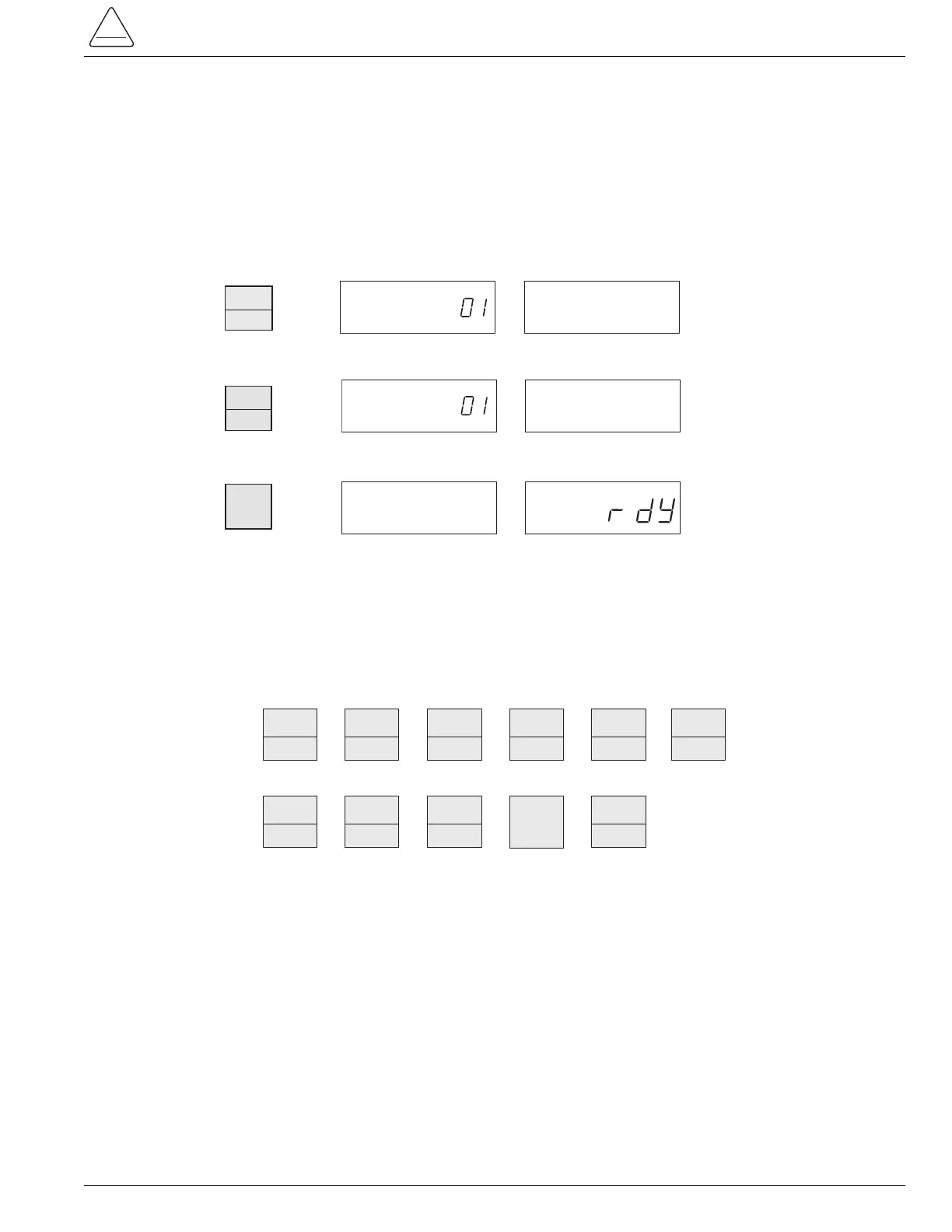
Use the following procedures for interrogation of control parameters. Be sure the display is ON and the rdY prompt is
displayed.
To interrogate other dedicated control parameters or status information, press any of the function keys, listed below, at
Step 1. Repeat Step 2 for any parameter with a phase and ground function. When pressed, the PHASE/GROUND key
will alternately display the phase and ground values of the appropriate parameters. (If the PHASE/GROUND key is
inadvertently pressed for a parameter without a phase and ground value, the control will ignore the command.)
Changing and Verifying Control Program Settings
Before making changes to control parameters, the operator must enter a security code that qualifies him to make
changes to control settings.
The security code must be re-entered if the display is turned off (or shuts off automatically after 10 minutes with no fur-
ther keyboard entry). This feature ensures that the Form 4C control returns to the read-only security access mode,
after the programming operator leaves the control.
The control can be programmed via the keyboard, independent of the position of the Supervisory ON/OFF switch.
The Supervisory ON/OFF switch must be ON when programming via the data port or through the digital communica-
tions accessory.
7
S280-77-4
No.
1.
2.
3.
TO L.O.
OPER.



 To Next Page