EasyManua.ls Logo

Cooper Kyle Form 4C - Page 9

Cooper Kyle Form 4C
60 pages
Print Icon
To Next Page IconTo Next Page
To Previous Page IconTo Previous Page
Loading...
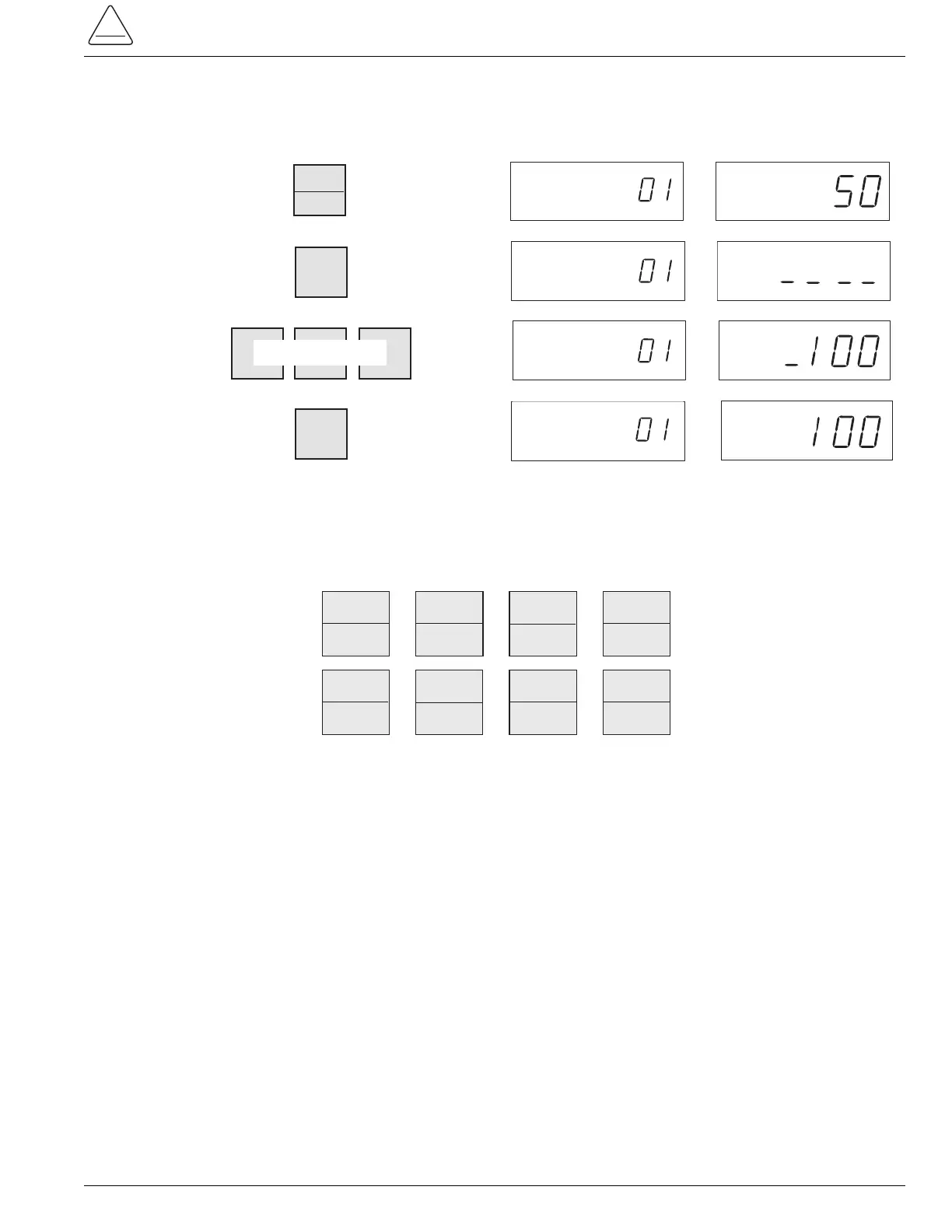
To change the other control parameters, press any of the following keys after step 6. Repeat Steps 11 through 14 for
any parameter with a phase and ground function. When pressed, the PHASE/GROUND key will alternately display the
phase and ground values of the appropriate parameters. (If the PHASE/GROUND key is inadvertently pressed for a
parameter without a phase and ground value, the control will ignore the command.)
9
S280-77-4
!
SAFETY
FOR LIFE
Step
No.
Touch Key
11.
12.
13.
EXAMINE PHASE
SCROLL CODE
CHANGE GROUND
EXAMINE PHASE
SCROLL CODE
CHANGE GROUND
EXAMINE PHASE
SCROLL CODE
CHANGE GROUND
Display
Message
Access
Code
Complex
TCC
Parameter
Value
CODE VALUE
CODE
VALUE
CODE
VALUE
ENTER
14.
EXAMINE PHASE
SCROLL CODE
CHANGE GROUND
CODE
VALUE
CHANGE
PHASE
GROUND
ENTER NEW VALUE
TCC 1
2
RESET
TIME
6
TCC 2
3
RECLOSE
1
7
OPER
1ST. TCC
4
RECLOSE
2
8
OPER.
TO L.O.
5
RECLOSE
3
9

Other manuals for Cooper Kyle Form 4C

Related product manuals