- 32 -
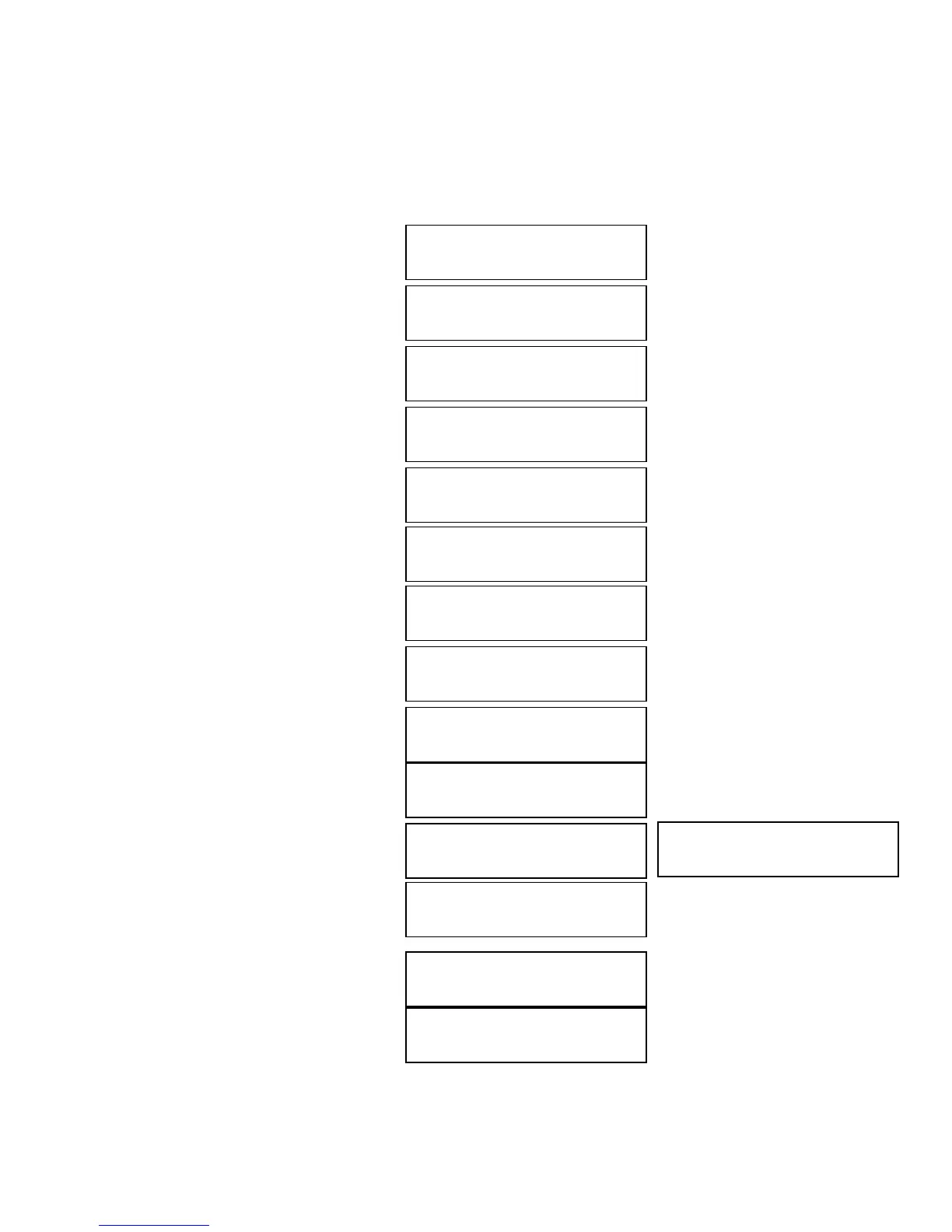
Example of Mixing Audio Tracks directly to Blank CD
For the example below, we will mix a new Audio CD from 2 different Audio CD’s.
From CD1: song 2, and song 4
From CD2: song 3, song 4 and song 5
1. Go to menu 10. Mix Audio Tracks.
2. Press “ENT”/Enter button.
3. Press “ENT”/Enter button.
4. Insert Blank CD-R media.
5. Insert CD1.
6. Press the down button until you
see “Track 2” on the 2
nd
line.
7. Press “ENT”/Enter button once.
8. Press the down button until you
see “Track 4” on the 2
nd
line.
9. Press “ENT”/Enter button once.
10. Press down button until you see
“Are you done?” on the 2
nd
line.
11. Press “ENT”/Enter button once
12. Press down button until you see
“Insert Next Master?” on the 2
nd
line.
13. Press “ENT”/Enter button once.
14. Insert CD2.
UPLICATOR 2.20
0.Mix Audio Tracks
Mix Mode:
irectly to Blank CD
reparing
Waiting for a Blank
reparing
Waiting for Master
otal: 0 Trk 0m:00s
Track 1: 4m:31s
otal: 0 Trk 0m:00s
Track 2: 4m:49s
otal: 1 Tr
4m:49s
Track 2: 4m:49s
otal: 1 Trk 4m:49s
Track 4: 4m:58s
otal: 2 Trk 9m:47s
Track 4: 4m:49s
otal: 2 Trk 9m:47s
Are you done?
Mixing... 2
0% 4m:31s
Mixing Complete!
inish Mixing?
nsert Next Master?
rep
ring
Waiting for Master
otal: 2 Trk 9m:47s
Track 1: 4m:03s



 To Next Page