- 3 -
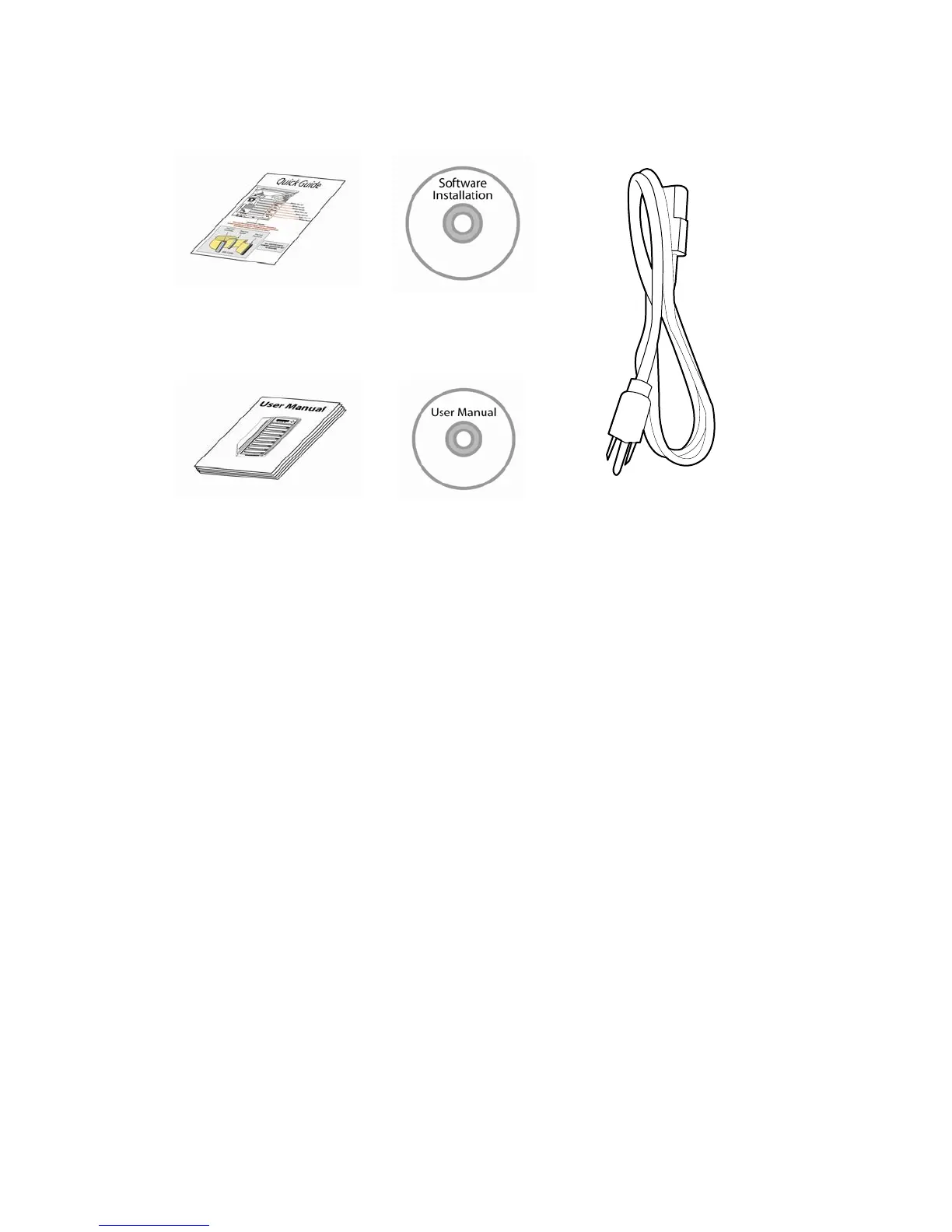
Package Contents:
Quick Start Guide
LightScribe Software
Installation CD
OR
Standard Operation User Manual Booklet or CD
Power Cord Cable
Chapter Overview:
Chapter 2: Getting to know your system
This chapter describes the physical features and instructions on how to operate your
system
Chapter 3: Basic Operations Guide
This chapter describes how to perform basic operations like Making Copies, Design and
Printing Labels, Changing Speed, etc.
Chapter 4: Menu Overview
This chapter describes what every function/setting does.
Appendix A: LightScribe Software Setup Instructions
This section provides easy walkthrough on how to install the LightScribe software
needed to generate the label files.
Appendix B: Optional External Device (USB 2.0/Firewire 1394) Setup Guide
This section describes how to enables one of many writers of your system as an external
writer for your PC via system’s USB interface.
Appendix C: Troubleshooting
This section provides many solutions on frequently asked questions and provides
insights on system error codes.
Appendix D: Safety & Regulatory information
This section provides environment, health, safety and other regulatory information.



 To Next Page