- 44 -
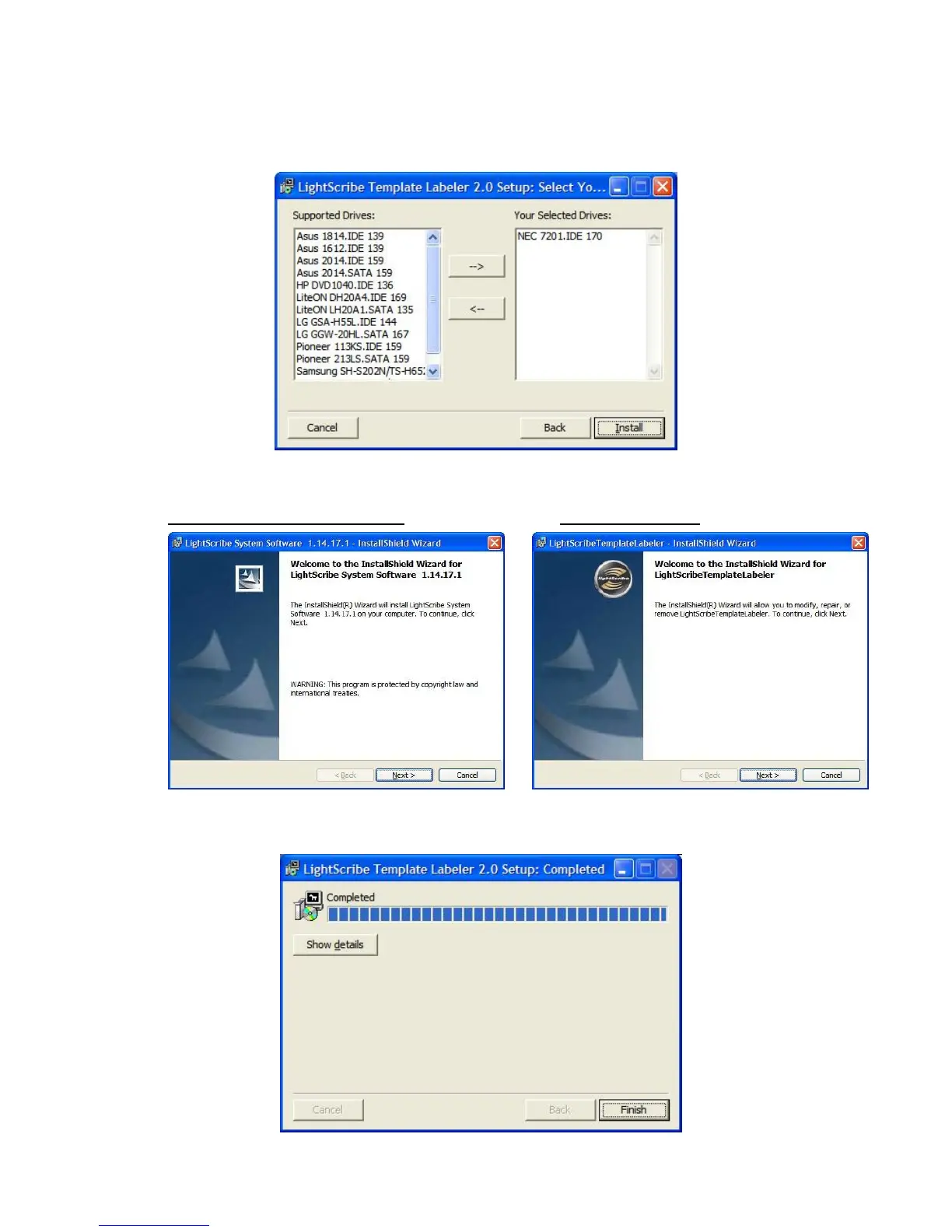
6. You will then be asked to choose the LightScribe writer model that was installed in your
duplication system. The default writer that comes with your system should be pre-selected.
You can then click Install to continue the installation process.
7. During the installation process, the following applications will be installed:
LightScribe System Software
Template Labeler
8. Upon successful installation of the above software, click the Finish button to complete the
installation.



 To Next Page