Operaon
PLAYING A RECORD:
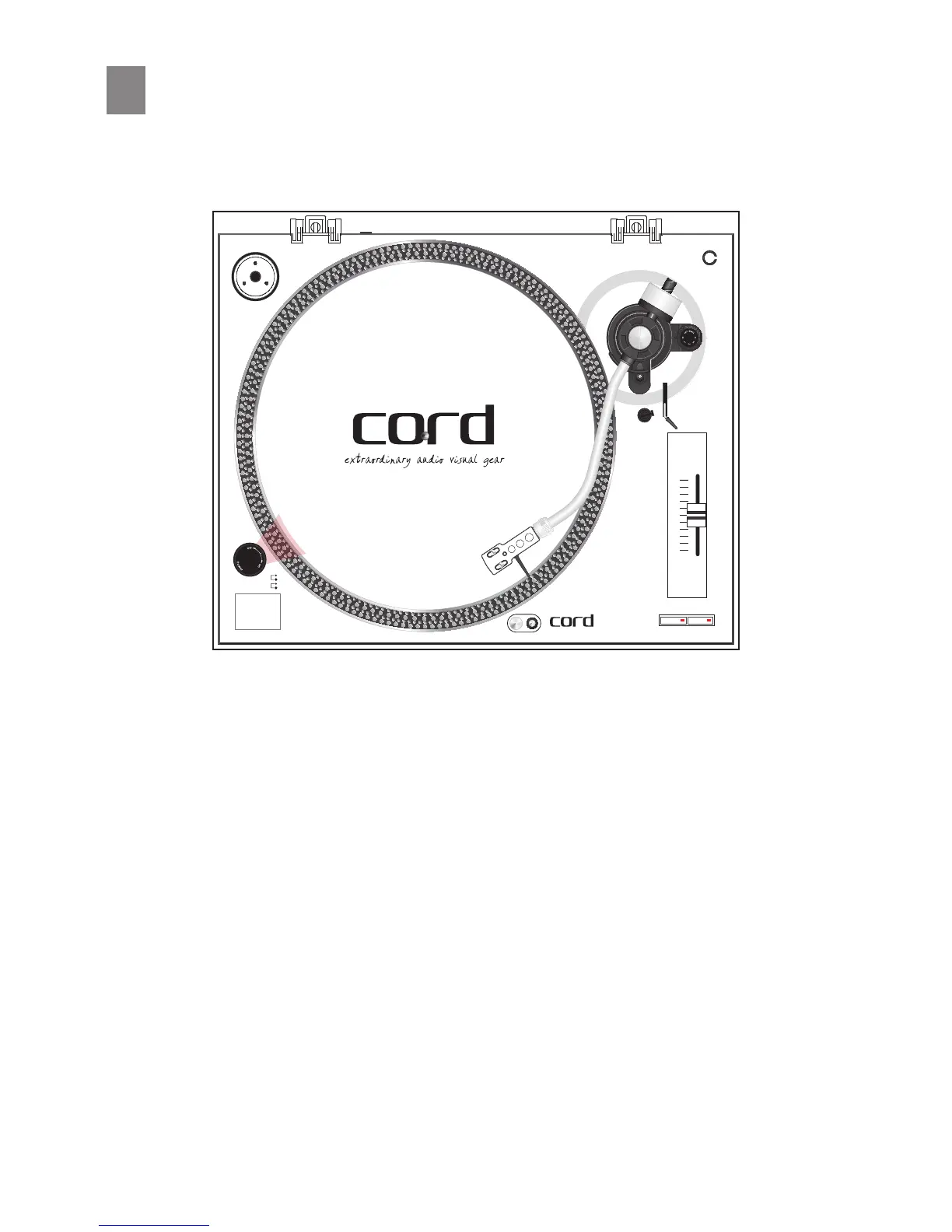
1. Turn the On/O Switch clockwise to turn on the power to the unit. Both the speed indicator and the
strobe- illuminator, which is located beneath the On/O switch, will now light up red.
2. Place a record onto the plaer. When playing a 45 RPM record with a large center hole, place the 45
RPM adapter on the center spindle rst.
3. Set the speed to match that of the record by pressing either the 33⅓ RPM or 45 RPM buon.
4. Remove the stylus protector from the stylus and release the tonearm rest clamp.
5. Set the cueing lever to the up posion.
6. Press the Start/Stop Buon, the turntable plaer will rotate.
7. Move the tone arm so that the stylus is sing over the desired groove on the record.
8. Set the cueing lever to the down posion, the tone arm will descend slowly onto the record and
begin playing.
9. When playback is nished raise the cueing lever then move the tone arm onto the arm rest.
NOTE: This is a fully manual turntable, therefore the user must manually li the tonearm at the end
of playback to avoid damaging the stylus.
10. Press the Start/Stop Buon to stop the plaer from rotang. Turn the On/O Switch counterclock-
wise to turn o the power when nished use.


 To Next Page