10
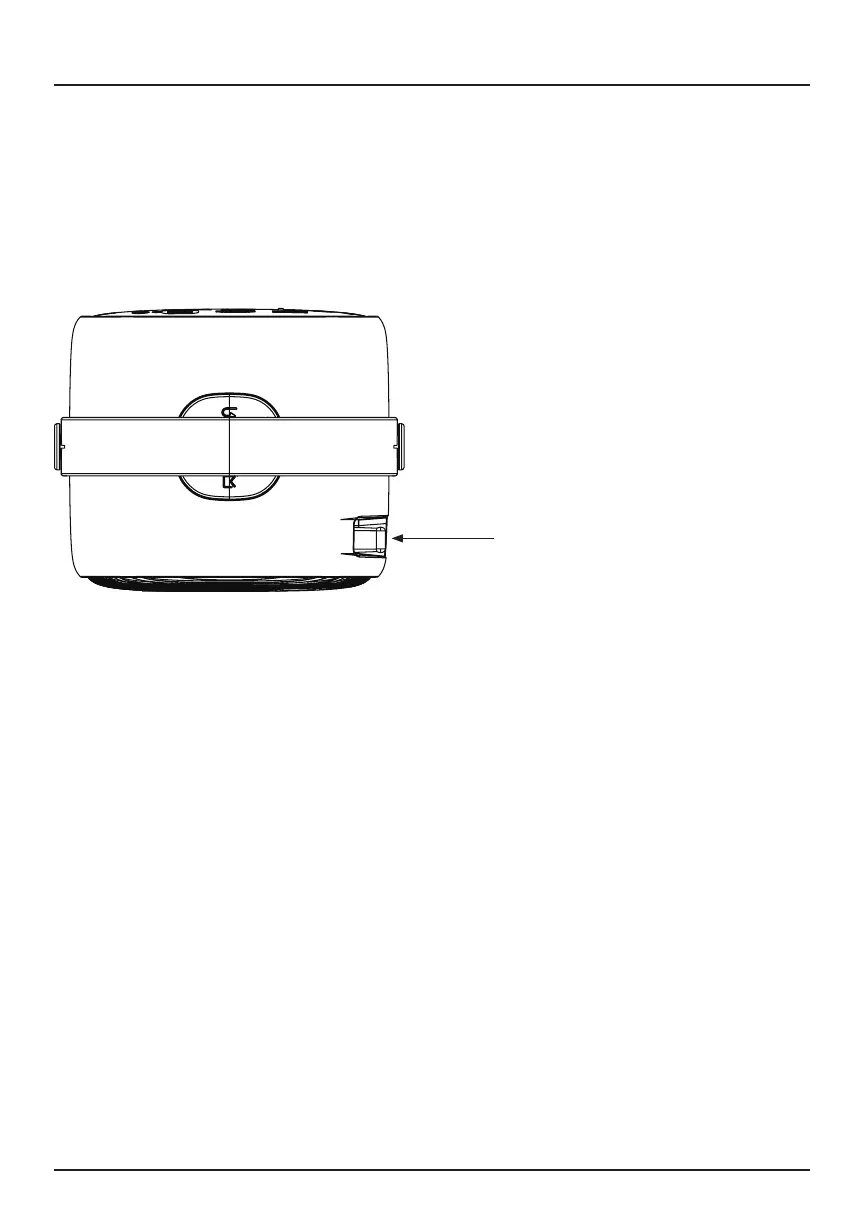
Refer to the diagram below to adjust the focus.
Turn the knob while observing the image pixels near the center of the screen.
Optimal focus is obtained when the pixels are clearly visible. Depending
on the projected screen size, the focus near the screen edges may be less
sharp than the screen center.
Adjusting the Focus
Focus Adjustment Knob


 To Next Page