15
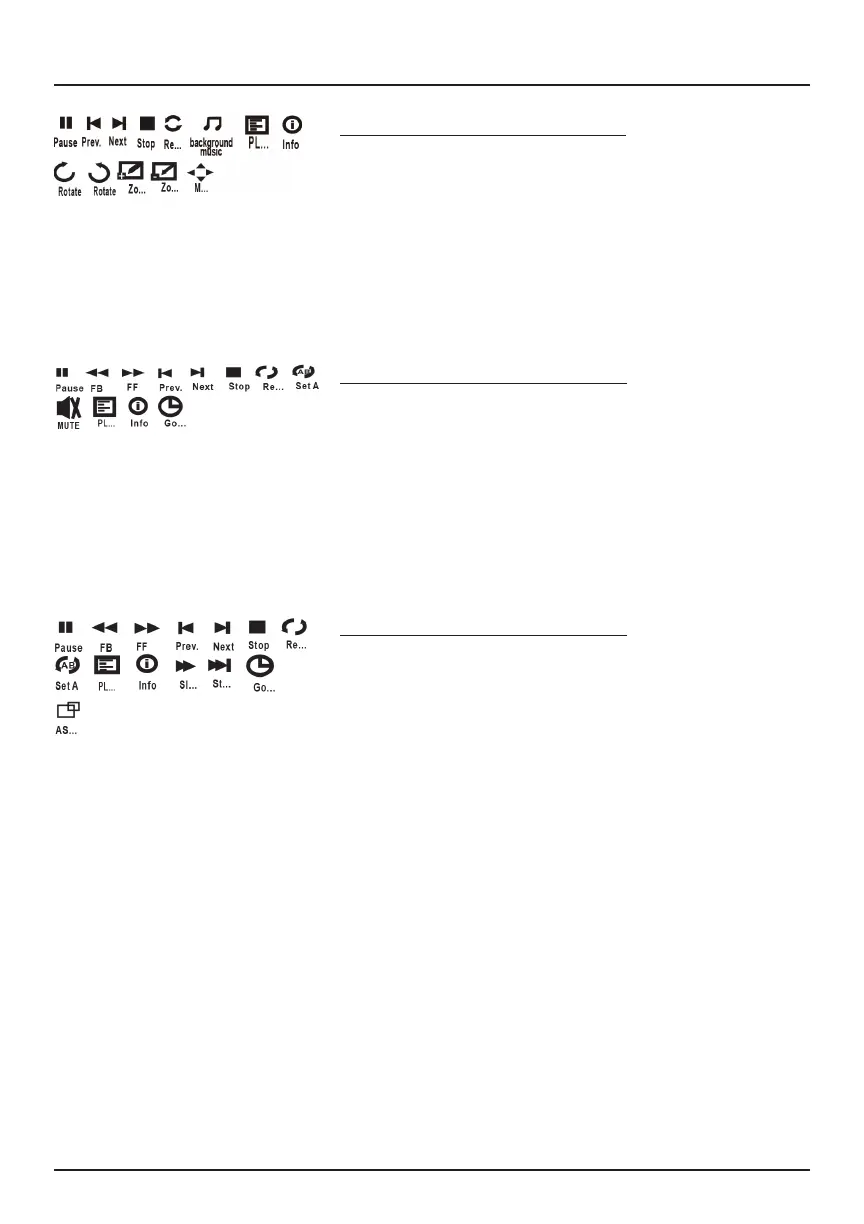
Sub Menu on Music Screen
1. With Music Playback, press the OK button
to view functions as shown in the diagram
at left.
2. Use the arrows on the Navigator to select
an icon, and press the OK button to play
the special function.
Sub Menu on Movie Screen
1. With Movie Playback, press the OK button
to view functions as shown in the diagram
at left.
2. Use the arrows on the Navigator to select
an icon, and press the OK button to play
the special function.
Sub Menu on Photo Screen
1. With Photo Playback, press the OK button
to view functions as shown in the diagram
at left.
2. Use the arrows on the Navigator to select
an icon, and press the OK button to play
the special function.
Sub Menus



 To Next Page