2.1 COCKPIT CORMIDI (DISPLAY TOUCH SCREEN)
Cormidi Cockpit is the touch screen display that equips the
battery-powered C85 as standard.
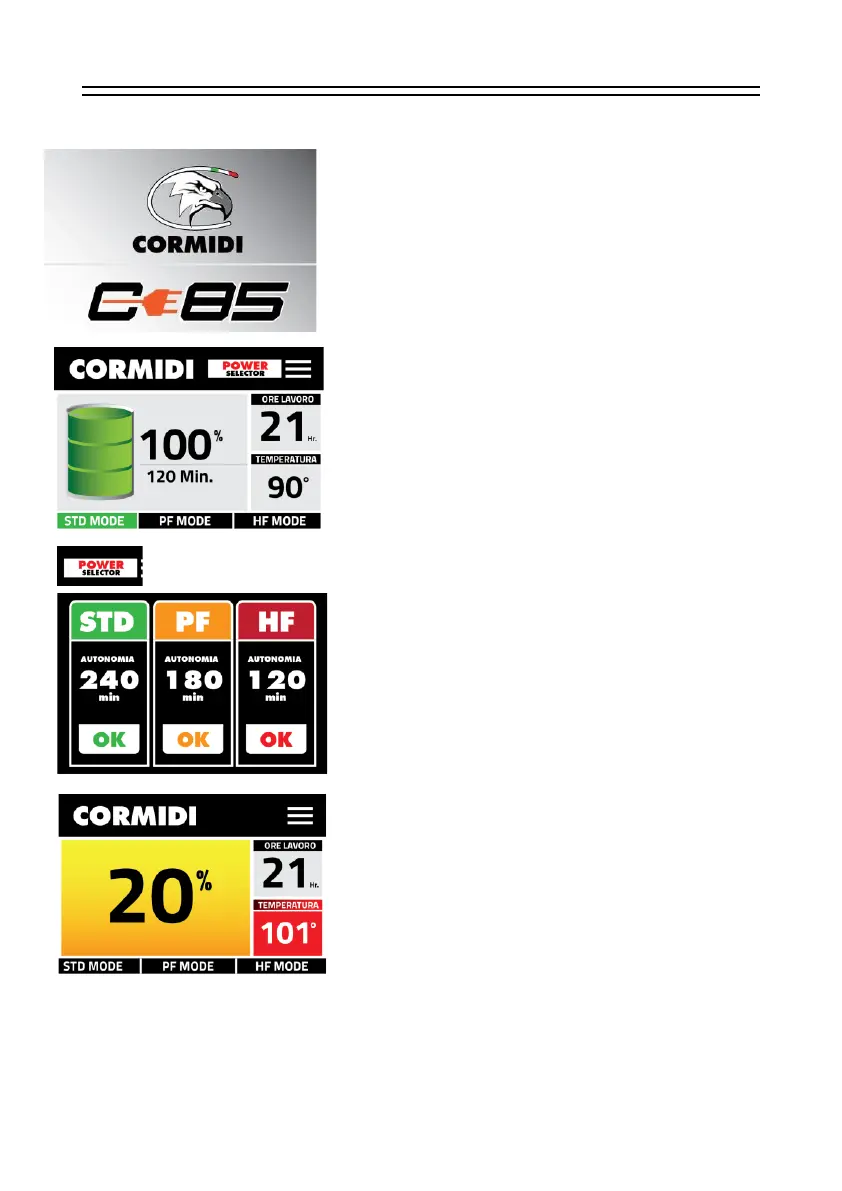
On the left is the screen that displayed when the panel is
switched on.
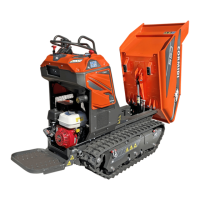
After starting the machine following the boot procedure, you
will see the indications who appear on the LCD screen:
On the left, the battery charge level indicated with percentage
and time,
on the right hours of work and temperature of the machine,
at the bottom it is always possible to change the performance
configuration.
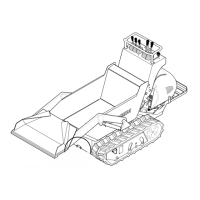
To choose the desired working power, click on the logo:
POWER selector
You will see the following screen:
It is possible to choose the type of machine performance
through the screen on the left;
• STD mode Long autonomy, minimum power,
• PF mode Medium autonomy, medium power,
• HF mode Low autonomy, High power
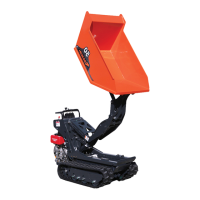
When the green battery drawing is no longer display on the
left, but is a yellow rectangle, it is preferable to recharge or
replace the battery before the charge is so low as to prevent
the machine from running.
The same also for the temperature, if in red colour, cool
immediately the machine.


 To Next Page