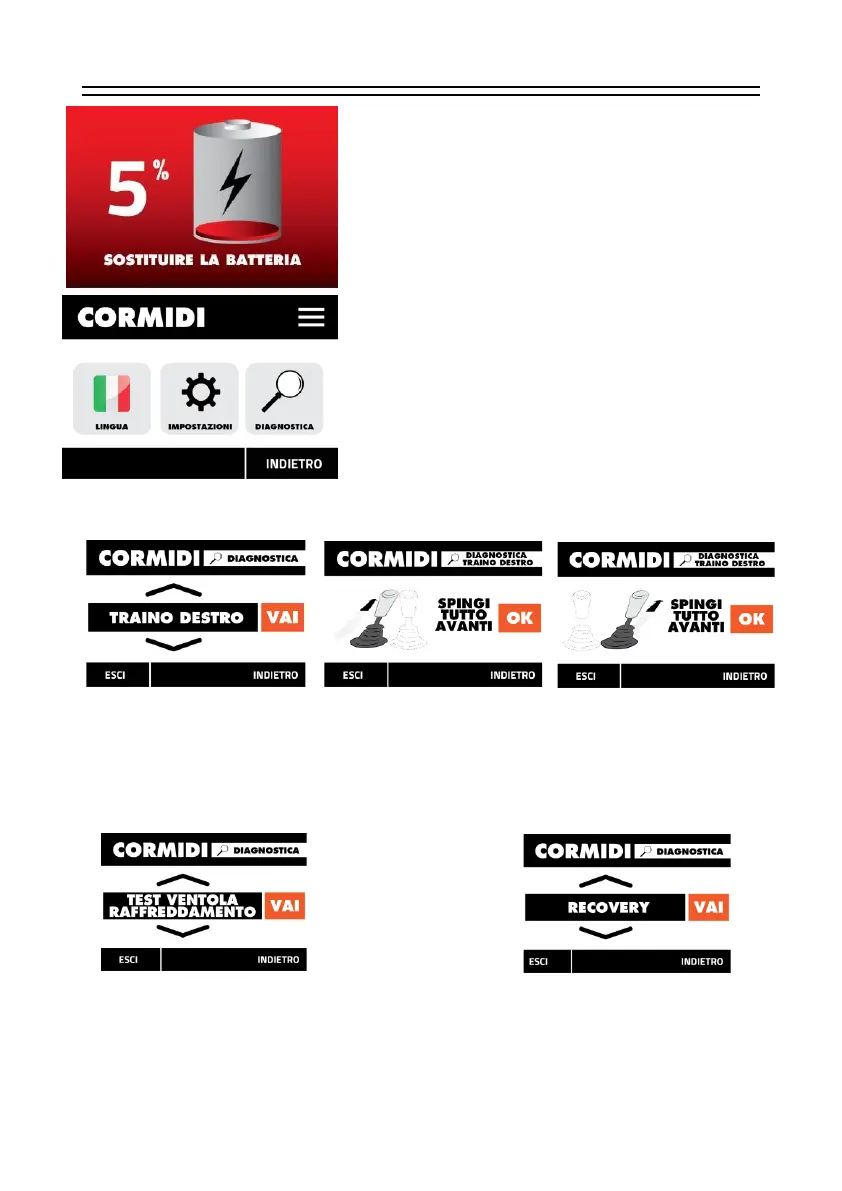
When this screen is displayed, you must stop the machine in
a safe place so that it is out of the way of anyone and
recharge or replace the battery with a charged one.
By clicking on the three horizontal lines at the top right you
can access the menu that allows you to configure many
parameters;
among these:
Language,
Various settings,
Diagnostics
By clicking on the magnifying glass icon, you can access the menu that allows us to set and
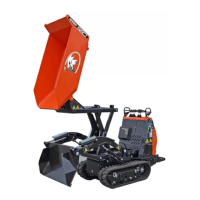
configure some functions of the C85, including the translation levers.
In fact, by clicking on "RIGHT TOW" or "LEFT TOW" we can set the correct operation of the
levers if they no longer work correctly. Just follow the procedure shown on the display to carry out
the operation in complete tranquility.


 To Next Page