22
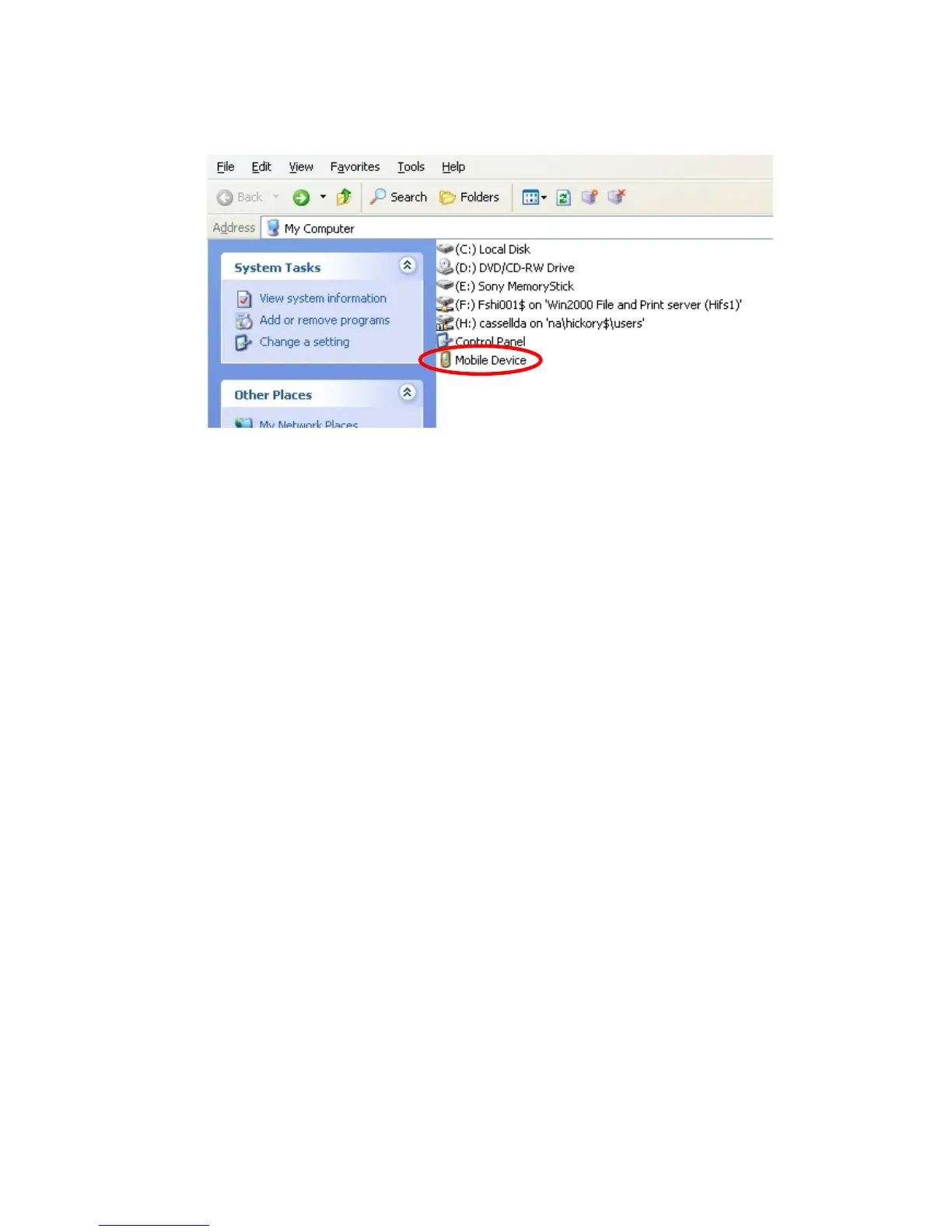
At this point, open the “My Computer” folder on your computer, and the OV-1000
should show up as a “mobile device”. Just open the “Mobile Device” folder and you
should be able to access your trace files and copy them to your computer.
Figure 19. “My computer” window
Please note that you are looking at the actual drive on the OV-1000 device,
not a virtual drive. Deleting files from this view will delete files from the
unit. It is suggested that you copy your files to your computer and verify
their location before deleting them from the unit.


 To Next Page