3. Installation and Maintenance
3-1. Front Panel Introduction
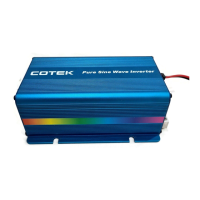
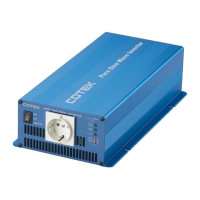
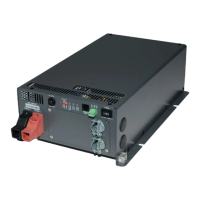
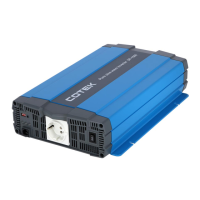
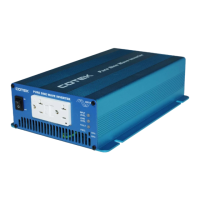
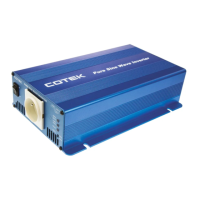
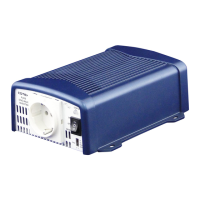
Figure 6. SE series front panel view
ON / OFF / Remote Main Switch
Table 6. SE series front panel introduction
3-1-1. ON / OFF / Remote Main Switch
The 3-stage switch is for turning on, turning off and remote mode.
3-1-2. LED Indicator
Inverter status to display fault condition.
SE200 / SE350 LED signal
Beep twice, LED shows red
orange green green
LED lights in solid green
LED flashes green condition in
intermediate condition once
every 2 seconds


 To Next Page