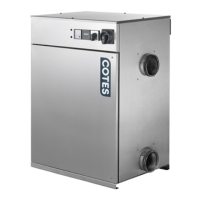
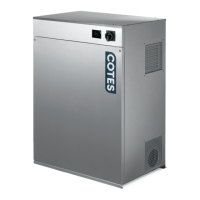
The dry air flow can be adjusted when a damper Ø125mm is installed in the Dry Air Outlet duct.
If a short duct is installed, the opening should be reduced on the damper to achieve the nominal air flow.
Ensure the dry air flow is set to the nominal value (See table for recommended values).
To adjust the regeneration air flow, install a damper in the regeneration air outlet.
Begin start-up with the damper in the open position and gradually close it until the Ammeter indicates the
recommended value.
Check the value again after approximately 15 minutes of operation (one more adjustment might be necessary).
Regeneration air flow must always be controlled.
Check the air flows using a suitable instrument (pitot pipe/thermo-anemometer or similar) in the duct.
Once the electrical settings and air flows are adjusted, the dehumidifier will operate automatically through the
internal control. See section 5.2 for more details of the switch setting.
Power consumption & airflows
The energy consumption of the PTC-heater depends on the air flow passing through.
The air flow and energy consumption are regulated by a damper installed in the regeneration air duct system,
and the potentiometer (if installed).
Adjust the damper and potentiometer (if installed) until the recommended nominal values are obtained.
When a potentiometer is also installed, the adjustment of the dehumidifier is an iterative process.
NOTE: The energy consumption of the electric heater in the first seconds is up to 10A depending on the setup.



 To Next Page