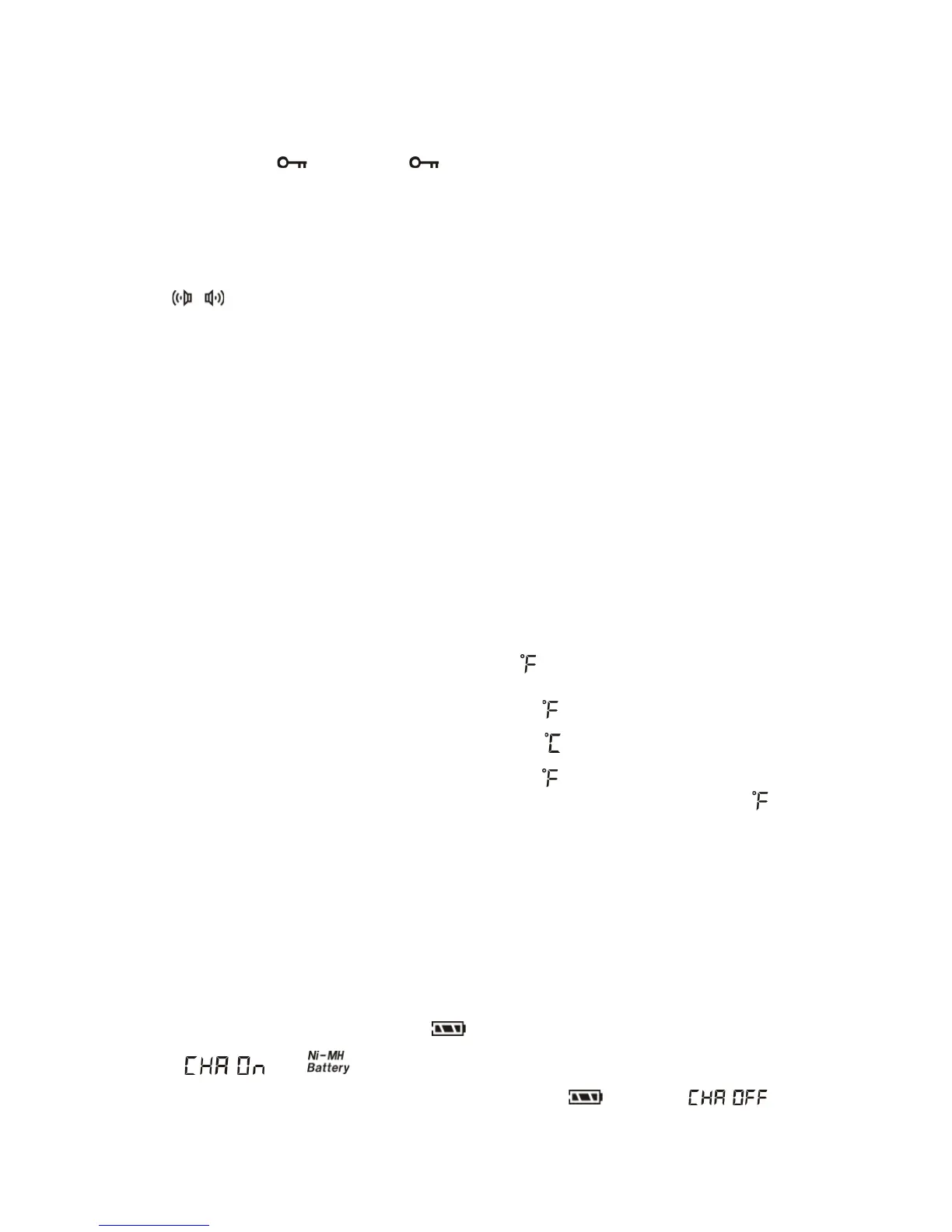
KEY LOCK FUNCTION
Long press the [ ] button with " " symbol appears in the display to lock up all keys /
buttons. Long press it again with the symbol disappears to unlock the keys/buttons.
FM ST. (FM STEREO) BUTTON
While listening to FM station via stereo earphones, quickly press the [FM.ST] button with "
" appears over the left side of the frequency in the display to activate the STEREO
mode once it receives the FM stereo station.
SYSTEM SETTING
Setting the frequency range for the FM band
Turn off the radio, long press [FM] button, until 87.5-108MHz, 76-108MHz, or 87-108MHz
appears in the display. Quickly keep pressing on the [FM] button to select suitable frequency
range for your local FM.
MW (AM Broadcast) step setting
Turn off the radio, long press [9/10kHz] button until "9kHz" or "10kHz" appears in the display.
By long pressing again, the alternative band step would be shown. The temperature is also
shown on screen at the same time.
In general practice, the frequency step of 10kHz is to be used for broadcasting MW (AM) as
well as the temperature in the degree of Fahrenheit ( ) to be used in the North America.
In order to provide convenience to the end users, the "10kHz" of frequency step is default to be
displayed with temperature in the degree of Fahrenheit ( ) together as well as "9kHz" to be
displayed with temperature in the degree of Centigrade ( ) together.
If the display shows "10kHz" with degree of Fahrenheit ( ),
which means this radio is set to 10 kHz step for MW(AM) with temperature in Fahrenheit ( )
which is for the North America region.
Turn On/Off LW
Turn off the radio, long press the [9/10kHz] button to set the AM tuning step to 9K, then long
press the [MW] button and notice “MW 150 ~ 1620” shows to activate the LW.
Turn ON/OFF charging function & exchange battery
consumption display Press & hold the [ ] key with
" " & " " shows up to activate the consumption display of rechargeable
batteries and the built-in charging system. Press & hold the [ ] key with " "


 To Next Page