IMPORTANT MATTERS FOR USING BATTERIES
1. If your radio is stored for a long time without batteries the clock may need to be reset, but
your pre-stored memory channels will continue to be stored.
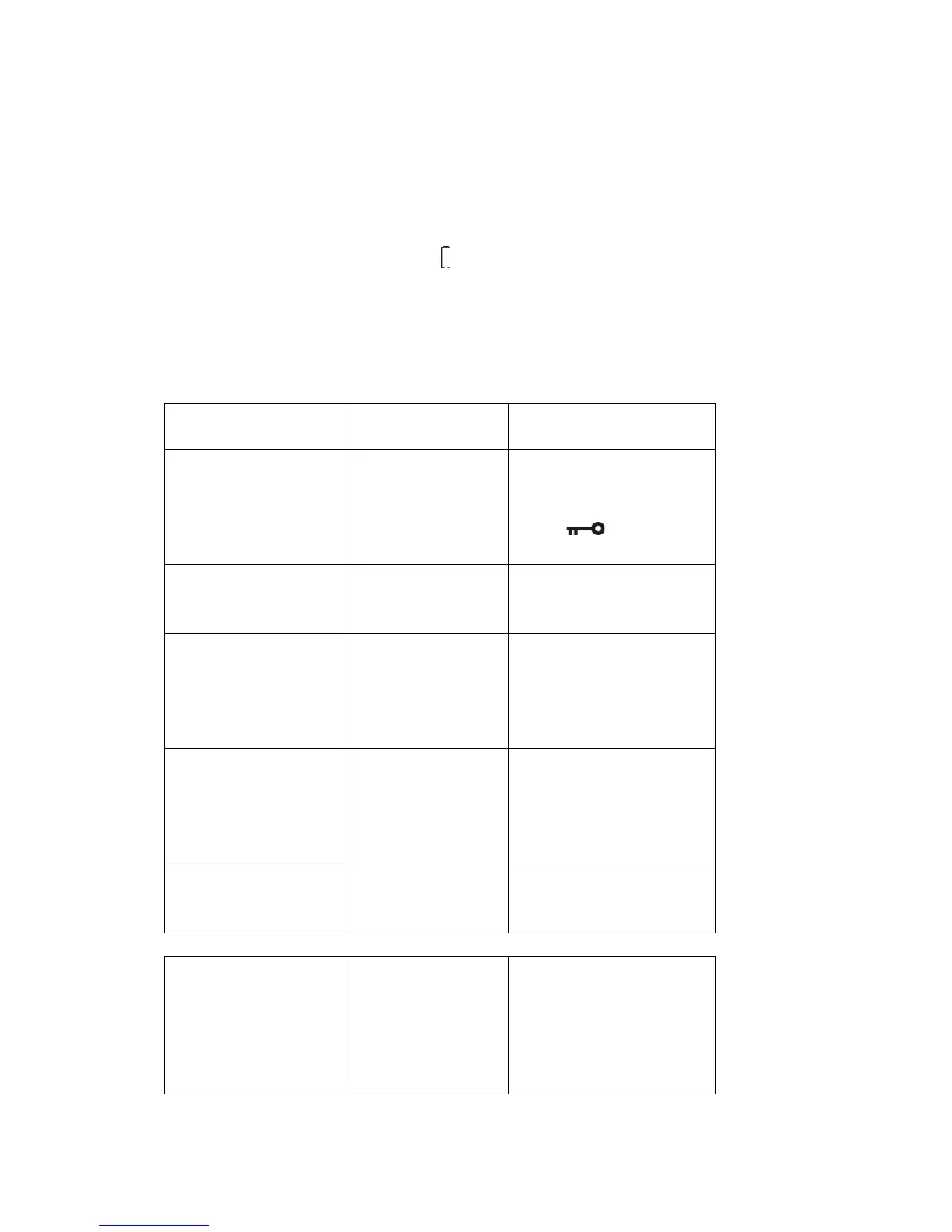
2. When the battery power is low, the " " symbol in the display will flash to alert you to
change batteries.
3. Never mix old and new batteries. This can damage your radio.
4. When storing your radio for a long period of time, remove the batteries to prevent damage
caused by leaking batteries.
TROUBLE SHOOTING
-Dead Battery
-Batteries not installed
properly.
-Power button is
locked.
-Replace with new batteries.
-Check polarity and re-install
the batteries.
-Press [ ] button to
unlocked.
Radio shuts off when you
are listening.
-Dead Batteries
-Sleep timer is
activated.
-Replace the batteries.
-Turn on the radio again.
Can not store some
stations using ATS
Some station store with
noise using ATS.
-Stations are too
weak.
-There is nearby
interference in your
area.
-Search the station manually.
- Move to another location
and try again.
Only limited FM stations
can be received in Japan.
-FM frequency is
76~90MHz for
Japan.
-Turn the radio off and long
press the [FM SET]
button, quickly press [FM
SET] button again to select
76~108MHz.
Poor AM Broadcast
Reception in USA.
-USA uses 10kHz
step for AM.
-Turn off the radio press the
[9/10kHz] button to select
10kHz.
When the alarm activates
(alarm by radio), there is
only noise with the
broadcast.
-You did not set the
proper radio station
for the alarm.
-Or
The radio station is off
the air
-Preset your alarm station
properly (see the above
setting).
-Make sure it has radio
broadcast in your location.
-Or set the alarm by buzzer.


 To Next Page