Electrical 6
Motor Switch Settings
Dual-voltage motors (motors that can operate at either
115 or 230 volts), are set at the factory to 230 volts.
Use the instructions to set your motor to match your
powersource.
Remove Motor End Cover
When connecting to 115volts, follow the
procedurebelow.
You will need to remove the motor end cover to change
the voltage setting.
Your motor terminal board (located under the motor end
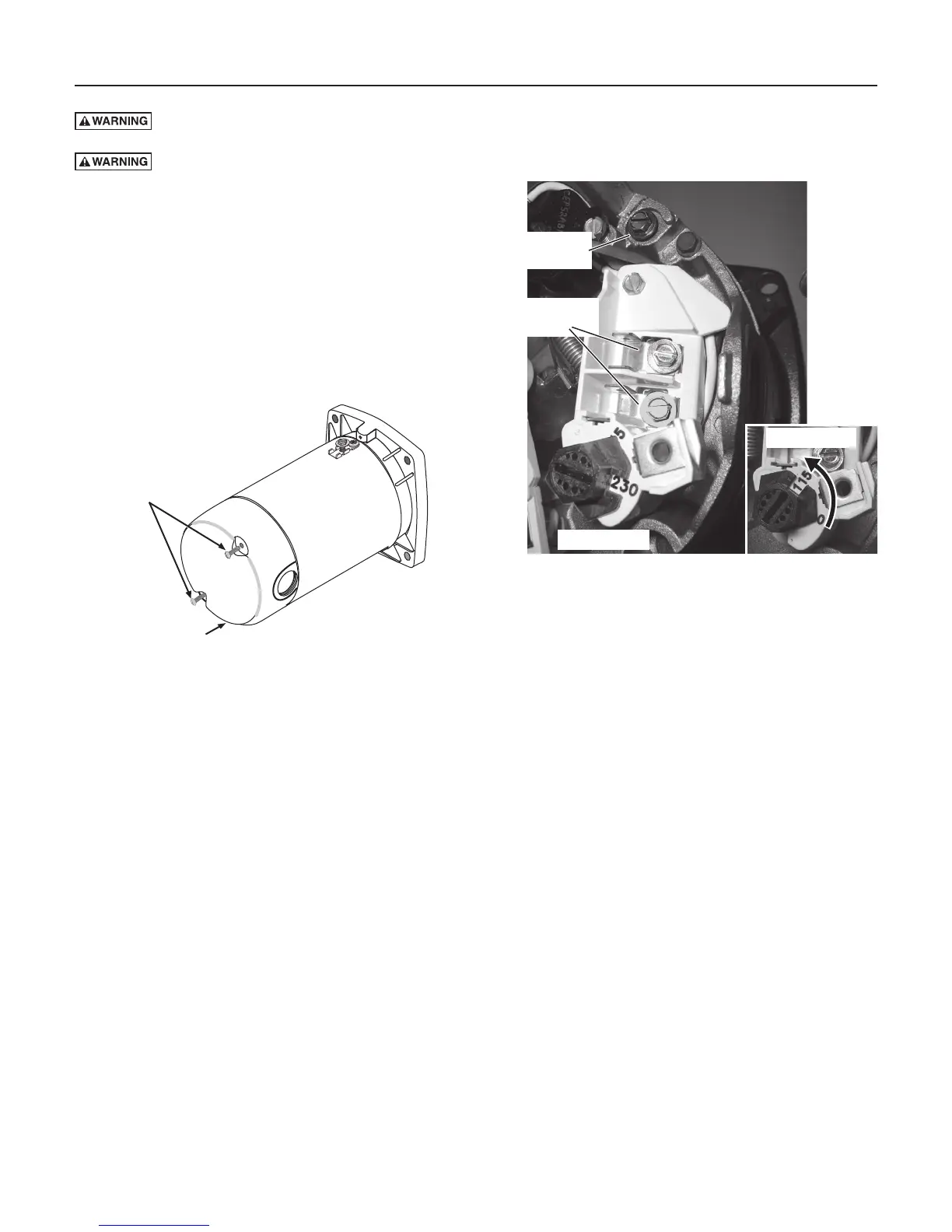
cover) should look like Figure 4.
Se lecting 115 volts with the Dial Type Voltage Selector
To change to 115 volts:
1. Make sure power is off.
2. Turn the dial counter-clockwise until 115 shows in
the dialwindow.
3. Attach the power lead wires to the power lead
terminals. Make sure the wires are secure.
4. Attach the ground wire to the green ground screw.
5. Reinstall the motor end cover.
Go to Wiring Connections to complete installation.
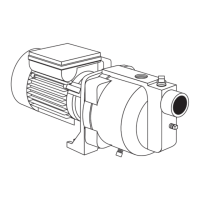
Figure 3 - Removing Motor End Cover
Motor End Cover
End Cover Screws
Figure 4 - Voltage set to 230 volts, Dial Type; turn dial to
select 115 volts. Insert tool in slot to turn dial.
Power Supply
Terminals
Ground Wire
Terminal
For 115 Volt
Risk of electric shock. Can shock, burn or kill. Disconnect power before working on pump, motor,
pressure switch, or wiring.
Risk of fire. Never wire a 115 volt motor to a 230 volt line.



 To Next Page