JetShell JetShell
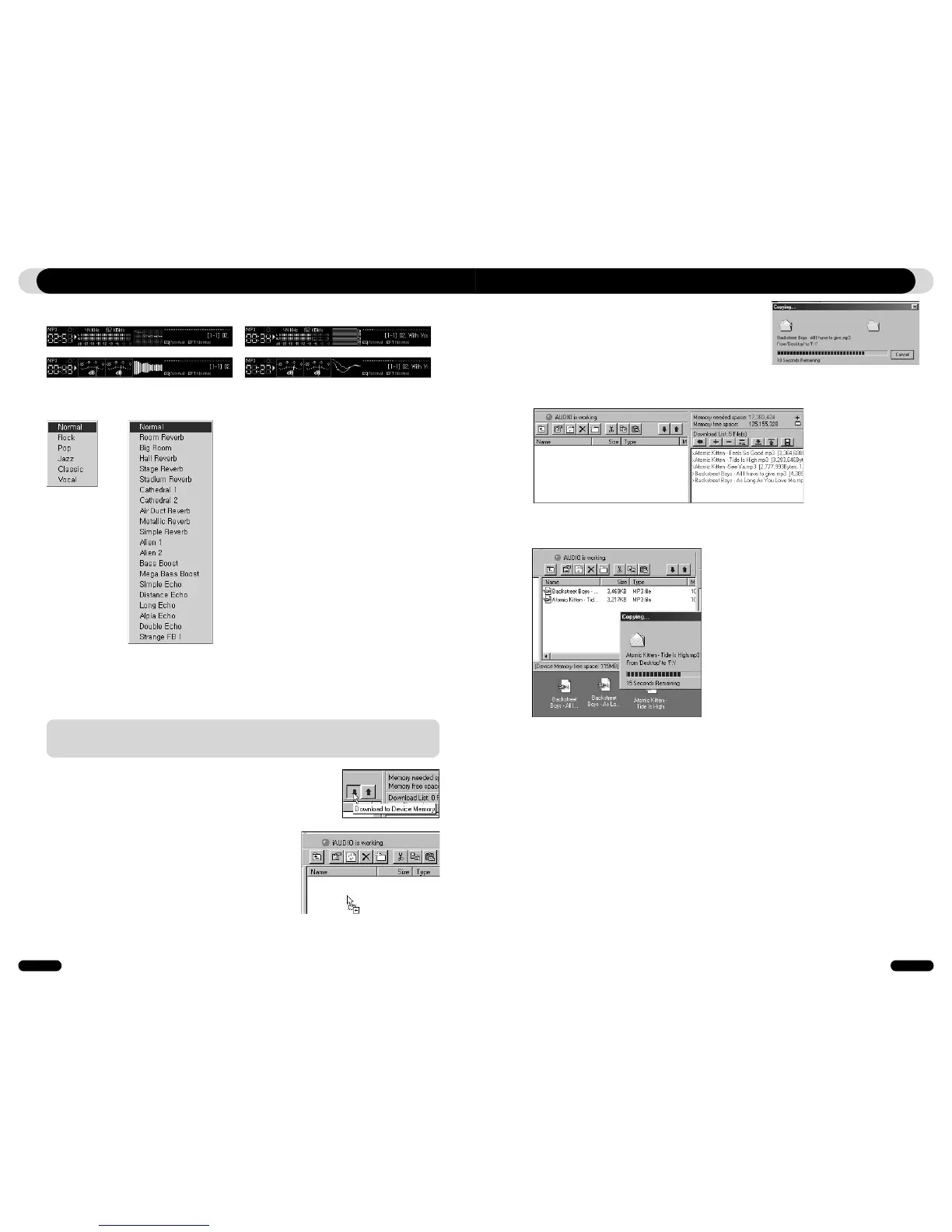
JetShell displays visually cool spectrums. When you click on the spectrum display area, the screen
changes as follows.
You can also enjoy various equalizers and sound effects.
Various Equalizers
Various Sound Effects
Downloading Music files to COWON D2
1. Downloading music files to COWON D2 is very simple. Select files
to download from the "File Management Window" and click down
arrow.
2. Or you can also drag and drop the selected files from the "File
Management Window" to the "Flash Memory Management
Window".
3. The following window shows the file downloading process.
Never disconnect the USB cable while downloading.
Make sure that the LCD status is READY before disconnecting
USB cable.
If you want to download secure WMA files (WMA files from online music store) to COWON D2, please refer to “Downloading
secure WMA files to COWON D2”. JetShell does not support downloading secure WMA files.
You can use Windows Explorer or other file management programs to download music files to COWON D2.
4. Another method is to put the files in the "Download List Window" first, and transfer them
later.
This is useful when you wish to download files in different folders.
5. You can also download the files existing outside of JetShell by dragging and dropping them
onto the "Flash Memory Window".



 To Next Page