12
iAUDIO E3
+
Power Connection and Charging
Basic Use
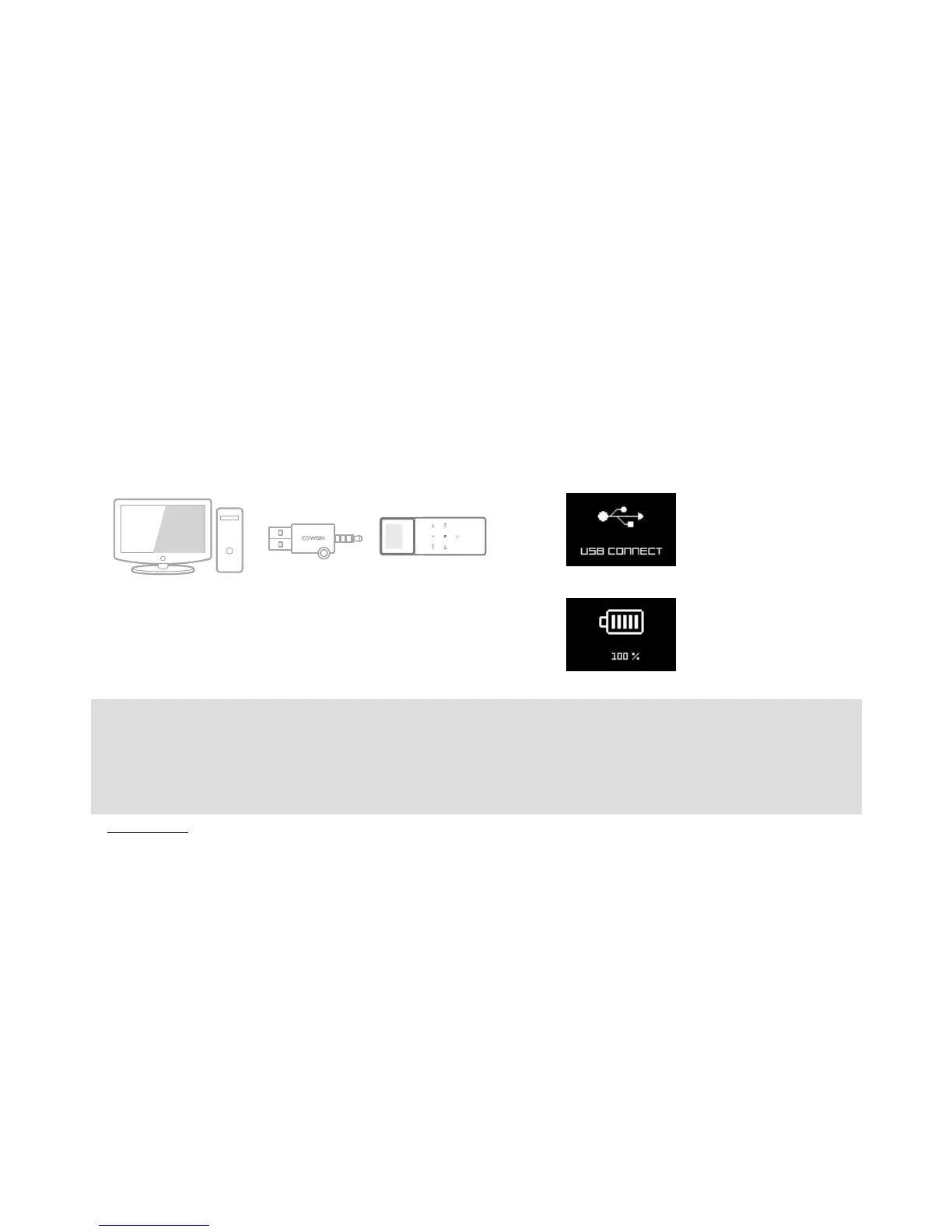
Connect iAUDIO E3 to a standard PC USB port using the provided
Simple USB Connector.
The device is fully charged after approximately 1 hour and 30 minutes.
PC
* Connected to a
PC and charging.
* Fully charged.
- Be sure to connect the device directly to a USB port located on the back of the PC.The device may be unable to establish a
connection or be charged as the power supply from a front USB port or a non-powered external USB hub may be unstable.
- Be sure to fully charge the device before using it for the first time or after an extended period of non-use.
- iAUDIO E3 uses a lithium-ion polymer battery. To extend the battery life, charge the device regularly rather than fully
discharging and recharging it.







 To Next Page