iAUDIO E3
17
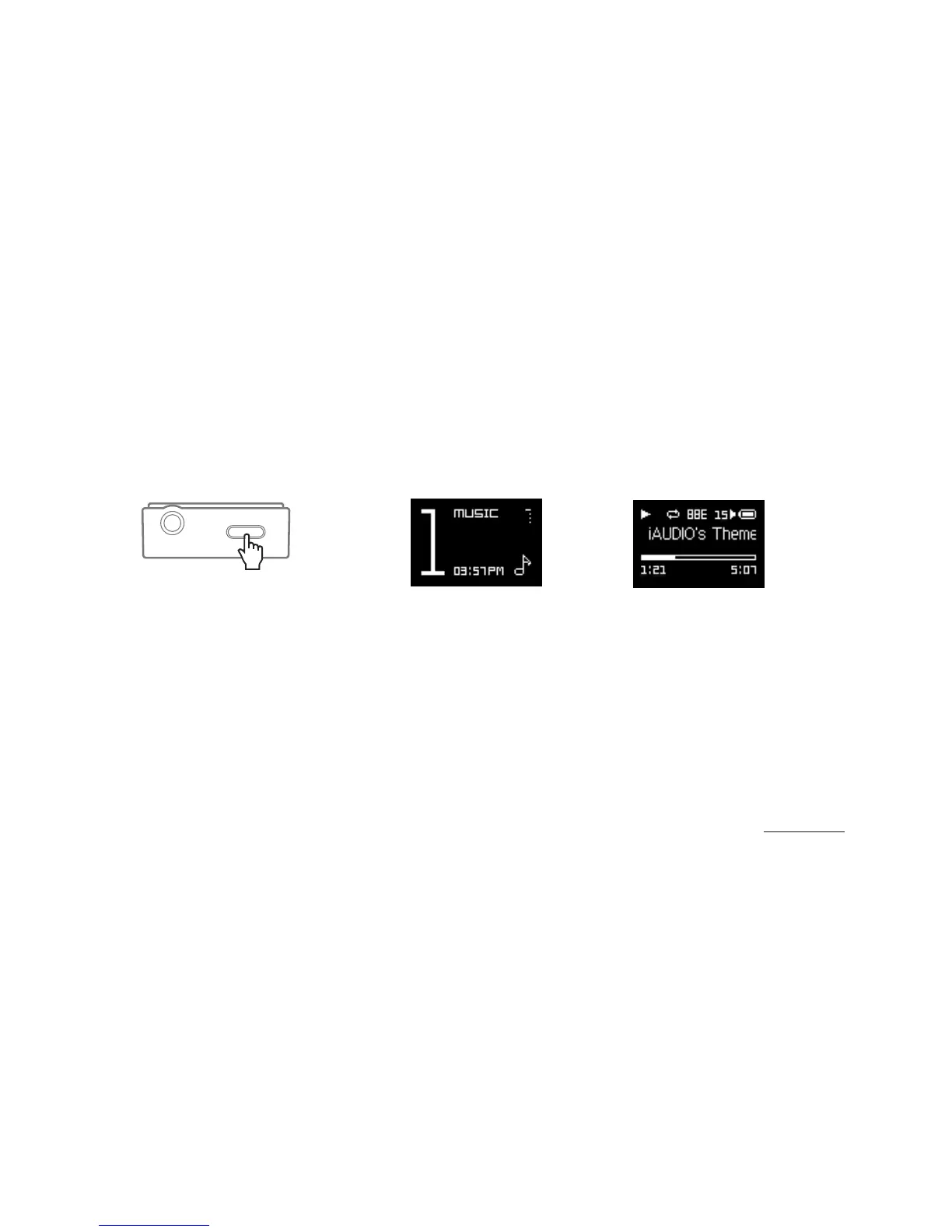
1. Turn on iAUDIO E3 and select MUSIC mode.
2. Press the Play/Pause button to play music.
3. Press the
▶ ||
button during playback to pause.
4. Press the
|<<
button during playback to select the previous song. Press and hold to rewind the current song.
5. Press the
> >|
button during playback to select the next song. Press and hold to fast-forward the current song.
6. Press the LIST button to display the list of songs on the device.
7. Press the HOME button from the file list to move to the Home (Mode select) screen.
+ MUSIC
Basic Use
Press and hold to Power On














 To Next Page