16
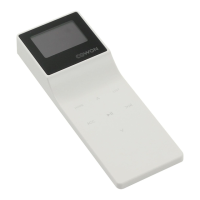
iAUDIO E3
+ TouchPad
Basic Use
*
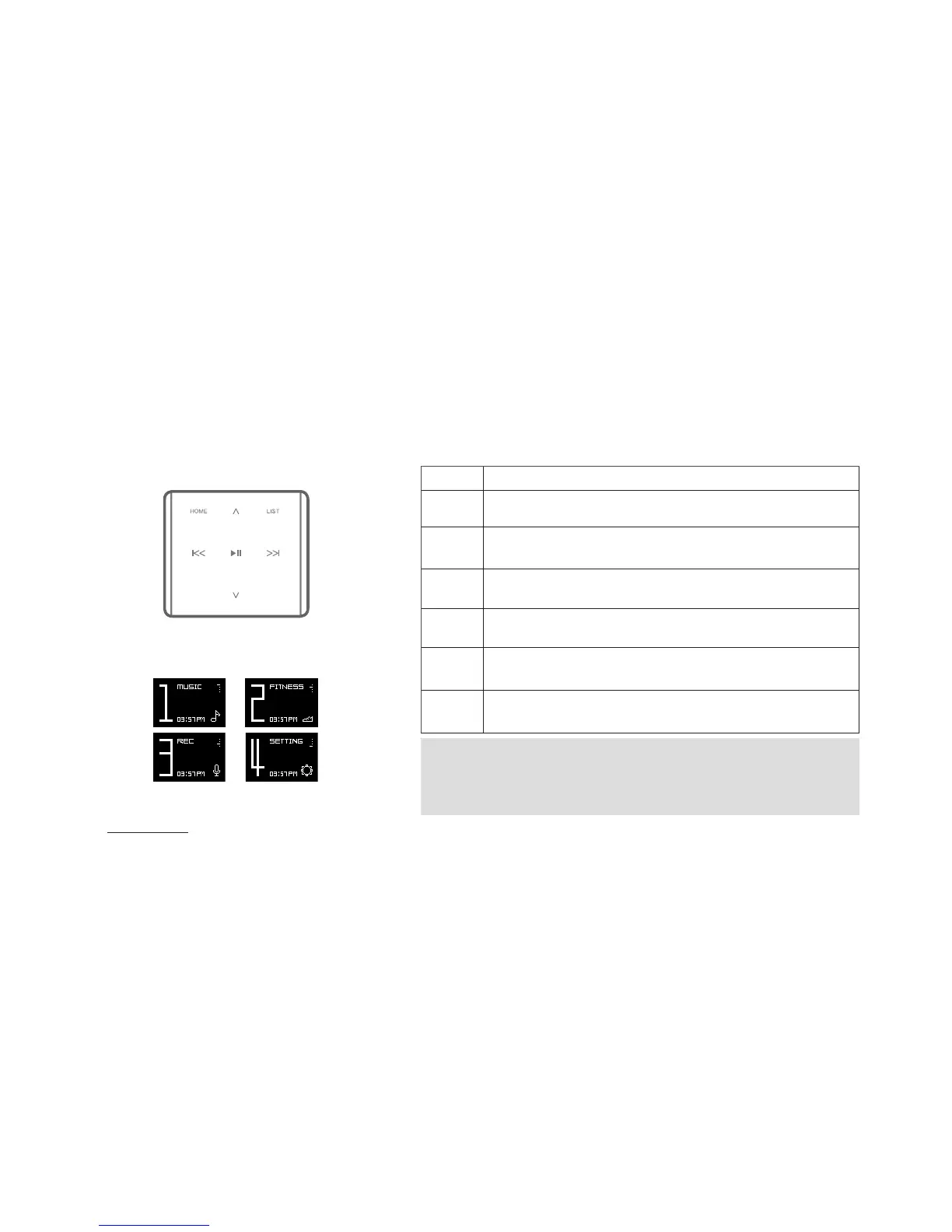
Only the following buttons work from the Home screen:
▶ || ,
∧,∨,
HOME
1. ▶ || Select mode
2.
∧,∨
: Change mode
3. HOME: Move to the default Home (Music) screen
HOME
Move to the Home screen.
LIST
Move to the list of songs.(Recorder : Display Recorded Files / Mic
Volume menu)
▶||
Play selected file, or select menu item. Press and hold to display
a pop-up for additional functions.(Recorder: Start/Stop recording)
∧
Function: Increase volume.
Move: Up
∨
Function: Decrease volume.
Move: Down
|<<
Function: Select a previous song, or hold to rewind.
Move: Return to a previous screen, or move to a parent folder.
> >|
Function: Select a next song, or hold to fast-forward.Move: Select
the current menu item, or play song from the list of songs.
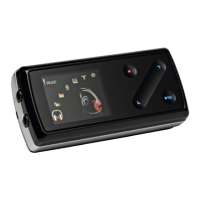
Touchpad
Home screen (Mode select)







 To Next Page