iAUDIO E3
19
+ MUSIC
Basic Use
- A-B Repeat
1. Press and hold the
▶ ||
▶▶▶button during playback, and select A-B Repeat.
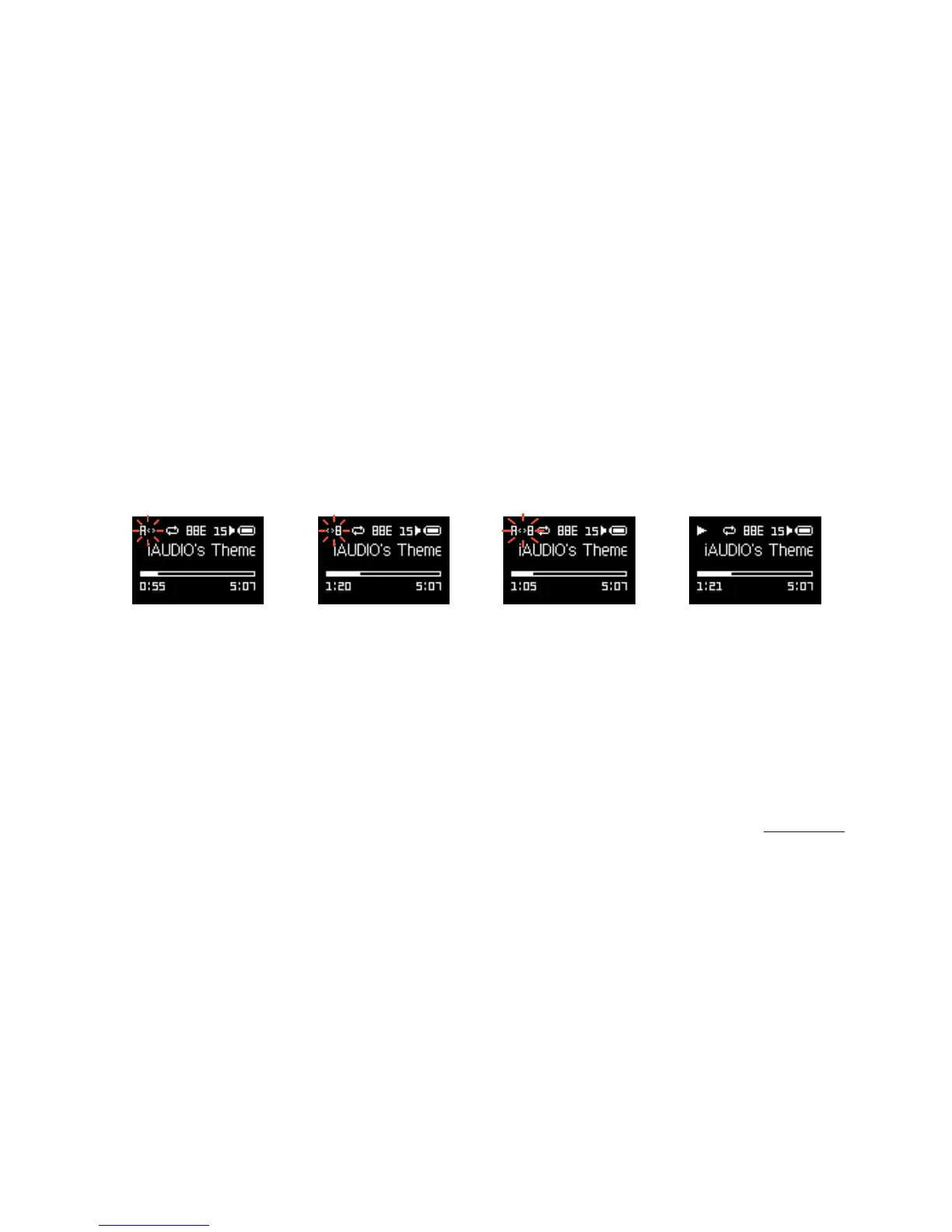
2. The 'A< >' icon will blink at the top of the screen. Press the
▶ ||
▶▶▶button at the point to designate the starting point.
3. The icon will change to '< >B' to set the end point. Press the
▶ ||
▶▶▶button at the desired end point.
4. A solid 'A< >B' icon will display at the top of the screen, and the designated section will repeat continuously.
5. Press the
▶ ||
▶▶▶button again to disable A-B Repeat and return to normal playback.















 To Next Page