CRADLEPOINT MBR1400 | USER MANUAL – Firmware version 5.0
© 2013 CRADLEPOINT, INC. PLEASE VISIT HTTP://KNOWLEDGEBASE.CRADLEPOINT.COM/ FOR MORE HELP AND RESOURCES PAGE 110
6.8 WiFi / Local Networks
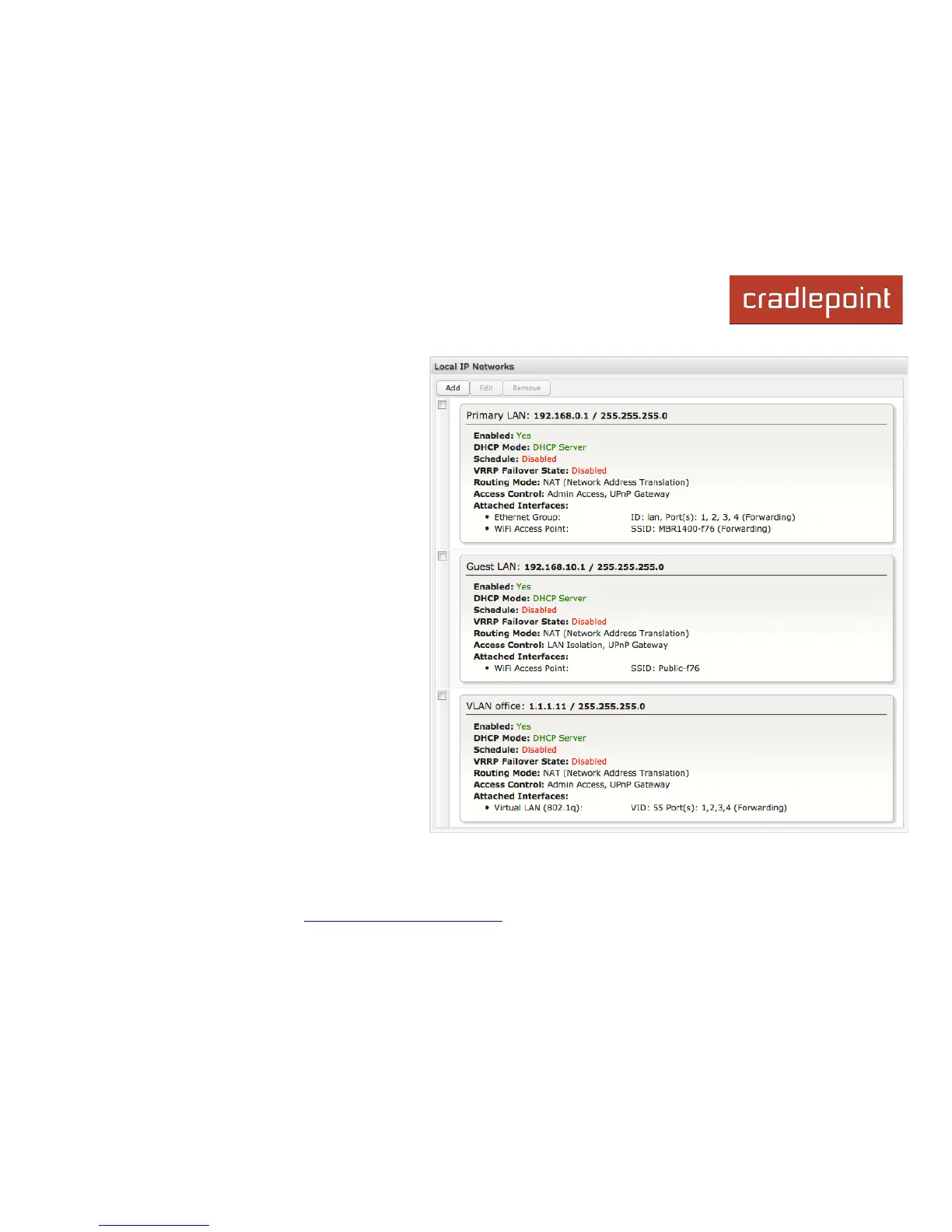
This section is used to configure the settings for
networks created by your router (LAN). Note that
changes made in this section may also need to be
duplicated on wireless devices that you want to
connect to your wireless network.
For example, if you change a wireless LAN’s IP address,
devices within that network will lose connection. They will
have to reconnect to the network.
The user can set up multiple networks on the
MBR1400, each with its own unique configuration
and its own selection of interfaces. Each local
network can be attached to any of the following
types of interfaces:
• WiFi
• Ethernet
• VLAN
For example, one network might be just an isolated
WiFi hotspot for guests, while another might be the
main network with administrative access, an
Ethernet port, a password-protected WiFi SSID,
and a VLAN interface.














 To Next Page