CRADLEPOINT MBR1400 | USER MANUAL – Firmware version 5.0
© 2013 CRADLEPOINT, INC. PLEASE VISIT HTTP://KNOWLEDGEBASE.CRADLEPOINT.COM/ FOR MORE HELP AND RESOURCES PAGE 30
4.1 Administrator Login
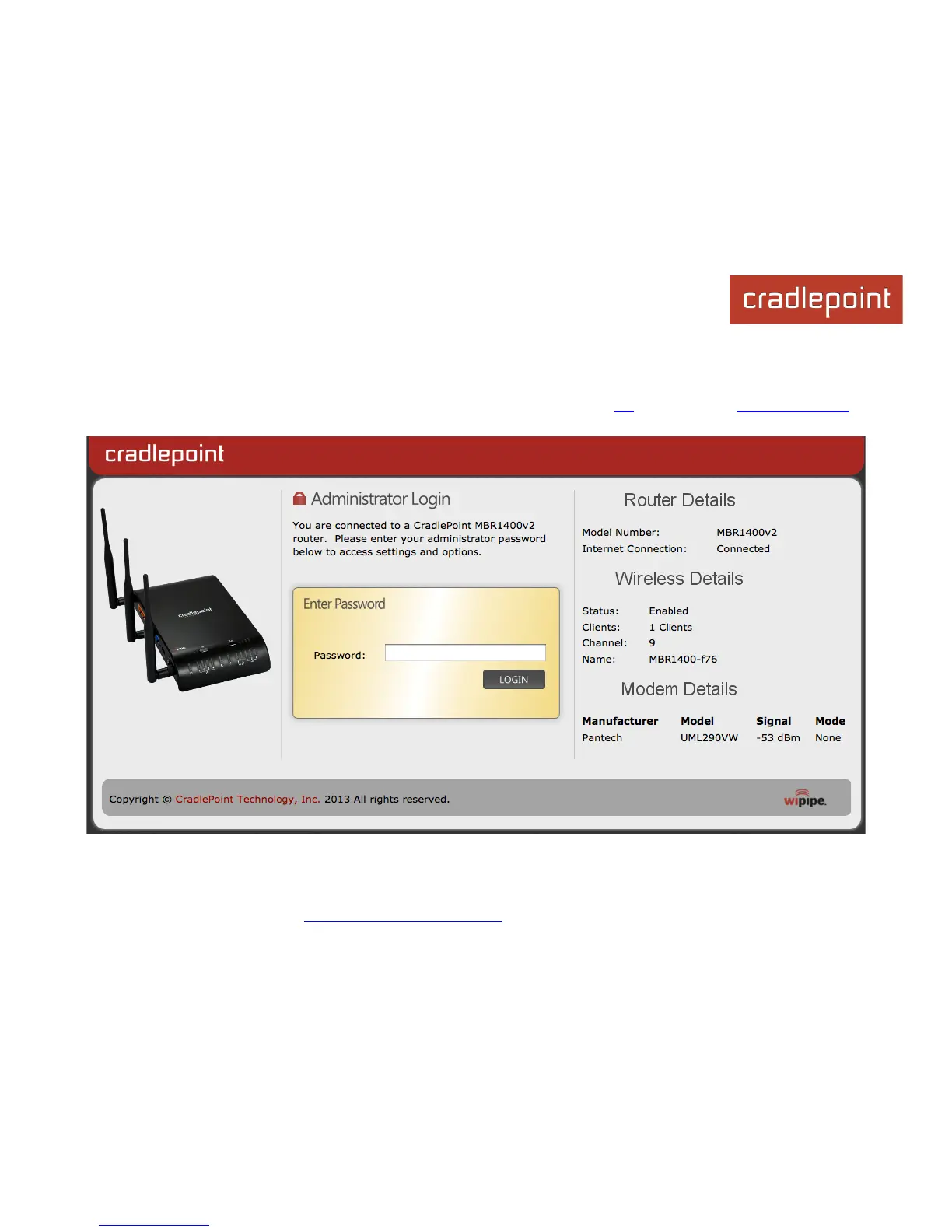
To access the administration pages, open a Web browser and type the hostname “cp/” or IP address “http://192.168.0.1”
into the address bar. The Administrator Login page will appear.
Log in using your administrator password. Initially, this password can be found on the bottom of the MBR1400 unit as the
Default Password. This password is also the last eight digits of the unit’s MAC address.














 To Next Page