CRADLEPOINT MBR1400 | USER MANUAL – Firmware version 5.0
© 2013 CRADLEPOINT, INC. PLEASE VISIT HTTP://KNOWLEDGEBASE.CRADLEPOINT.COM/ FOR MORE HELP AND RESOURCES PAGE 213
8.1 Administration
Select the Administration submenu item in order to control any of the following functions:
• Router Security
• System Clock
• Local Management
• Remote Management
• GPS
• SMS
• System Logging
• Router Services
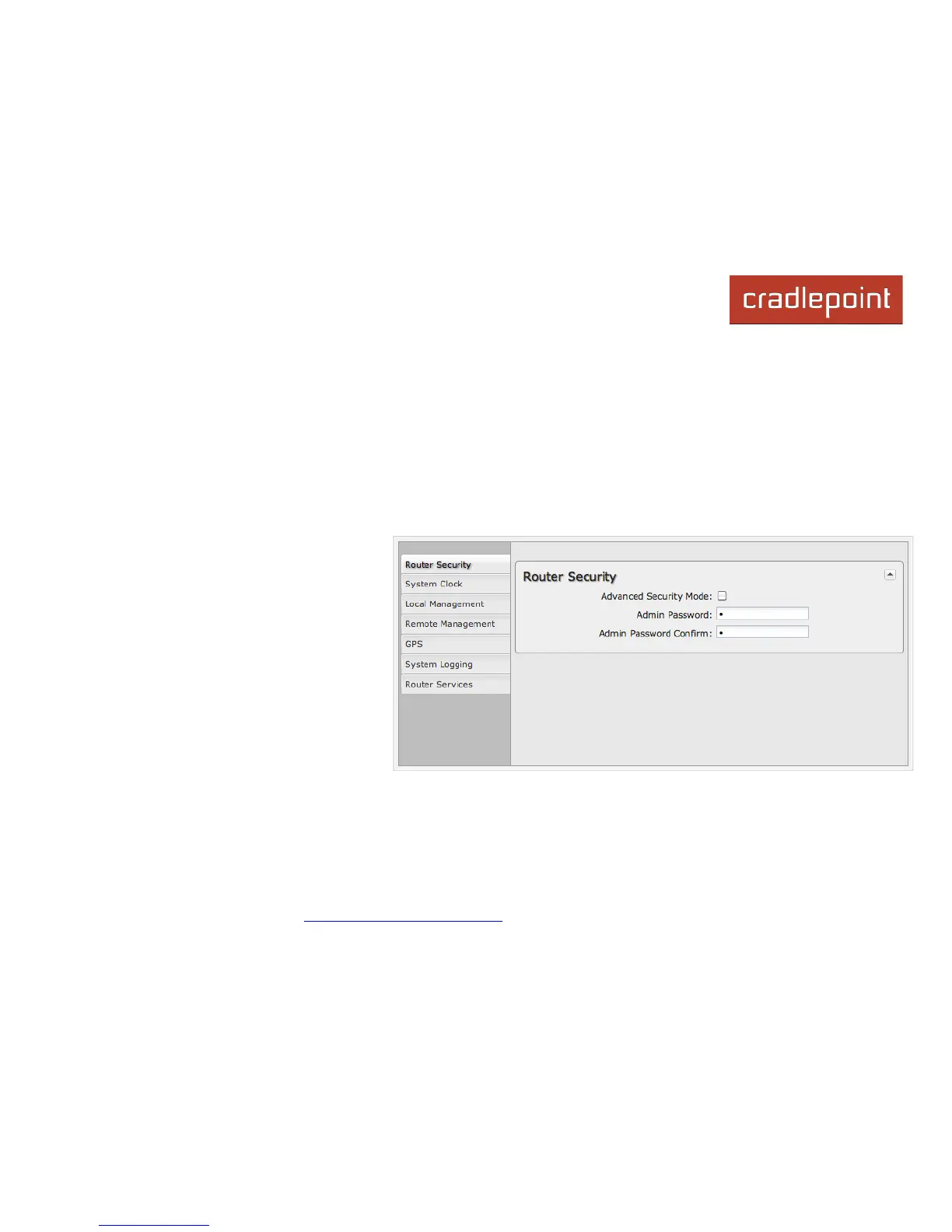
8.1.1 Router Security
Advanced Security Mode: When the router
is configured to use the advanced security
mode, several aspects of the router’s
configuration and networking functionality will
be extended to support high security
environments. This includes support for
multiple user accounts, increased password
security, and additional network spoofing
filters. If you plan to use your router in a PCI
DSS compliant environment this option is
mandatory.
Admin Password: Enter a password for the
administrator who will have full access to the router's management interface. You can use the default password on the back
of your product, or you can create a custom Administrator Password.














 To Next Page