CRADLEPOINT MBR1400 | USER MANUAL – Firmware version 5.0
© 2013 CRADLEPOINT, INC. PLEASE VISIT HTTP://KNOWLEDGEBASE.CRADLEPOINT.COM/ FOR MORE HELP AND RESOURCES PAGE 38
4.3 Quick Links
The Cradlepoint logo in the upper left-hand corner of all the administration pages is a link to
the Dashboard (Status → Dashboard), which displays fundamental information about the
router.
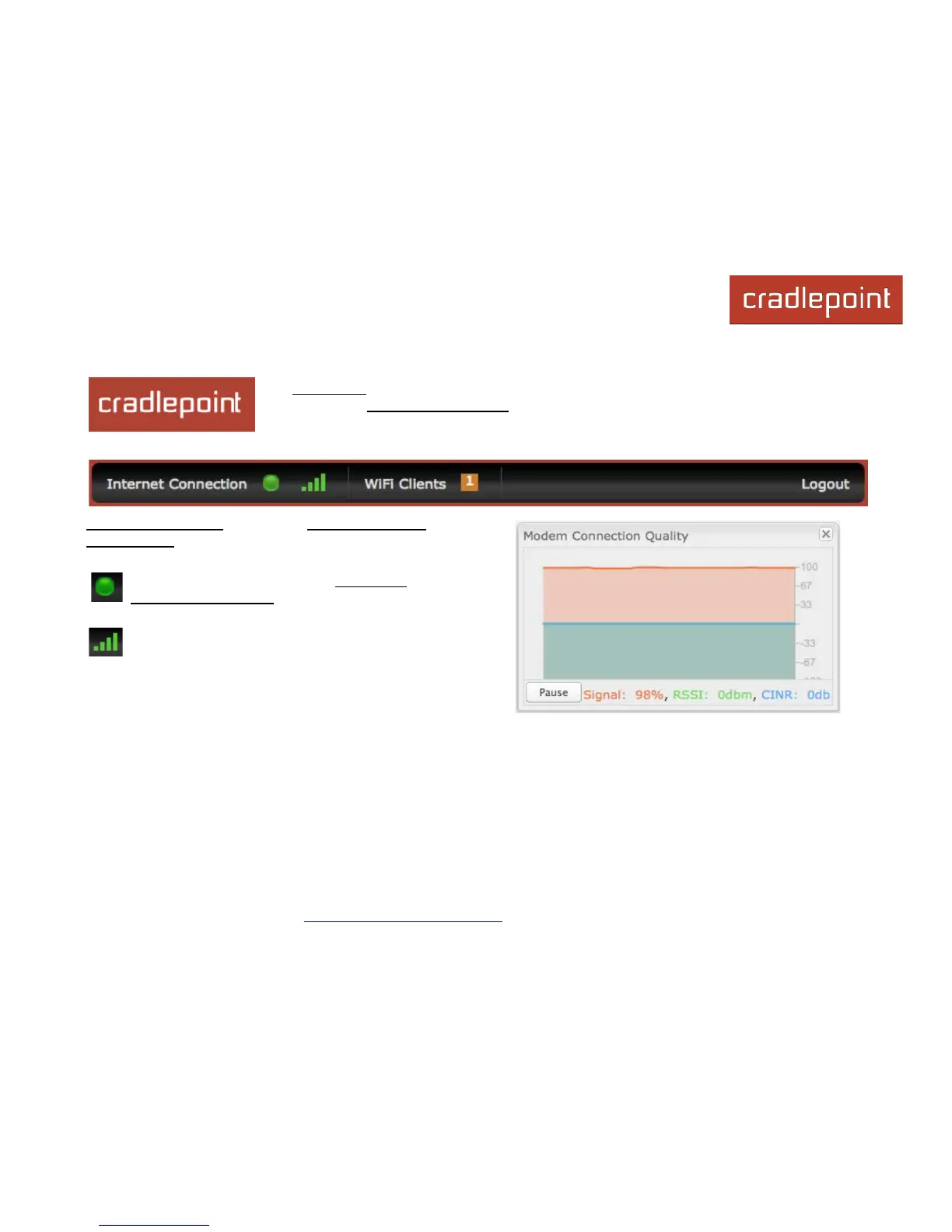
The black bar across the top provides quick access to important information and controls.
Internet Connection This links to Status → Internet
Connections where you can view in-depth information
about your Internet sources.
Click on this green dot to link to Internet →
Connection Manager where you can manage
your WAN interfaces.
Click on the image of four signal bars to open a
“Modem Connection Quality” popup window that
shows the strength of your Internet signal.














 To Next Page