CRADLEPOINT MBR1400 | USER MANUAL – Firmware version 5.0
© 2013 CRADLEPOINT, INC. PLEASE VISIT HTTP://KNOWLEDGEBASE.CRADLEPOINT.COM/ FOR MORE HELP AND RESOURCES PAGE 24
3.2.3 Connect to the Internet
If you used the First Time Setup Wizard, you might have
changed the “WiFi Network Name” or the “Security Mode”
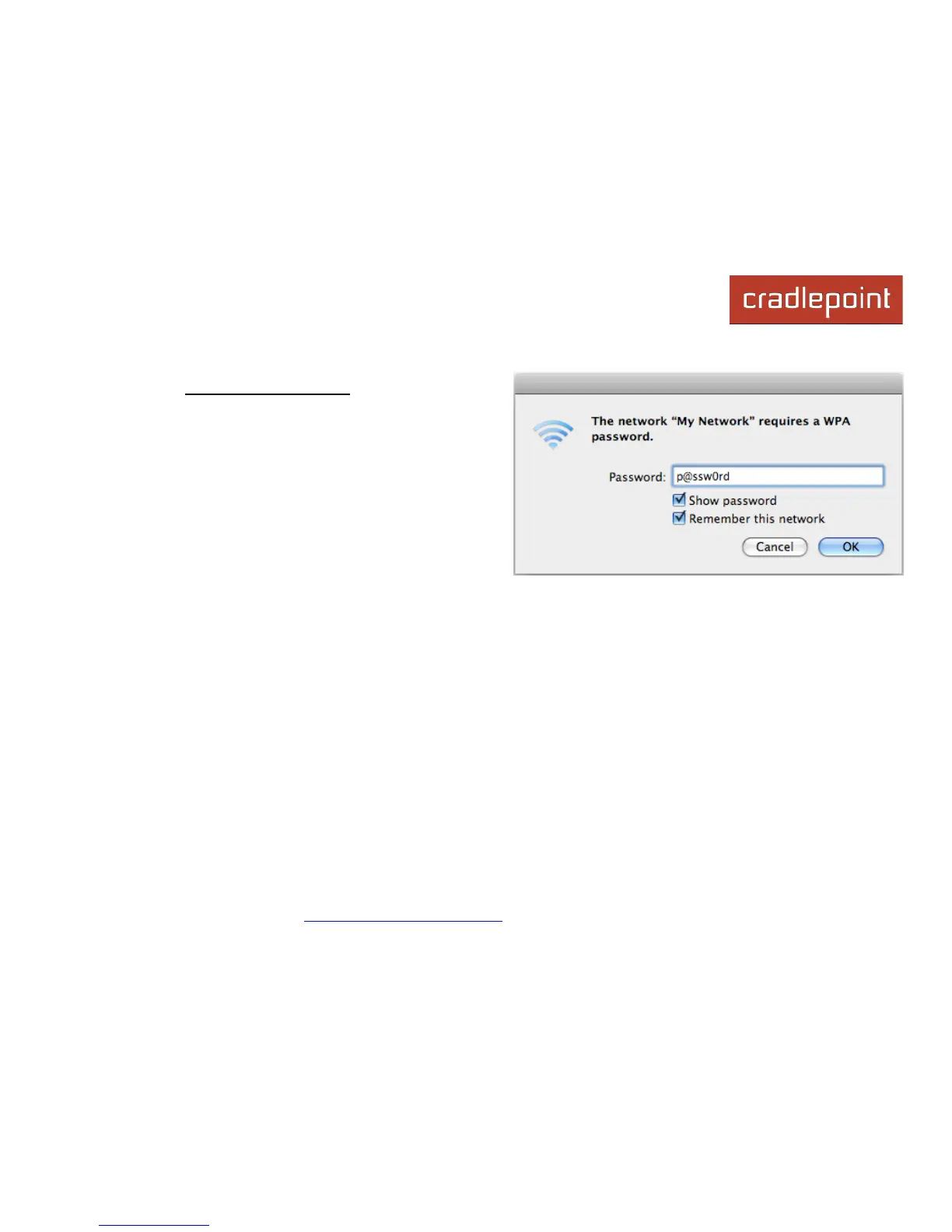
password. If so, you will need to reconnect to the MBR1400
network.
• Find the network. Look for your new personalized
network name (or the default SSID of the form
“MBR1400-xxx”).
• Log in using your new personalized WiFi security
password (or the Default Password found on the product
label on the bottom of the router).
Your network should now be up and running, and users who
have the security password can access the network on WiFi-enabled devices.














 To Next Page