CRADLEPOINT MBR1400 | USER MANUAL – Firmware version 5.0
© 2013 CRADLEPOINT, INC. PLEASE VISIT HTTP://KNOWLEDGEBASE.CRADLEPOINT.COM/ FOR MORE HELP AND RESOURCES PAGE 81
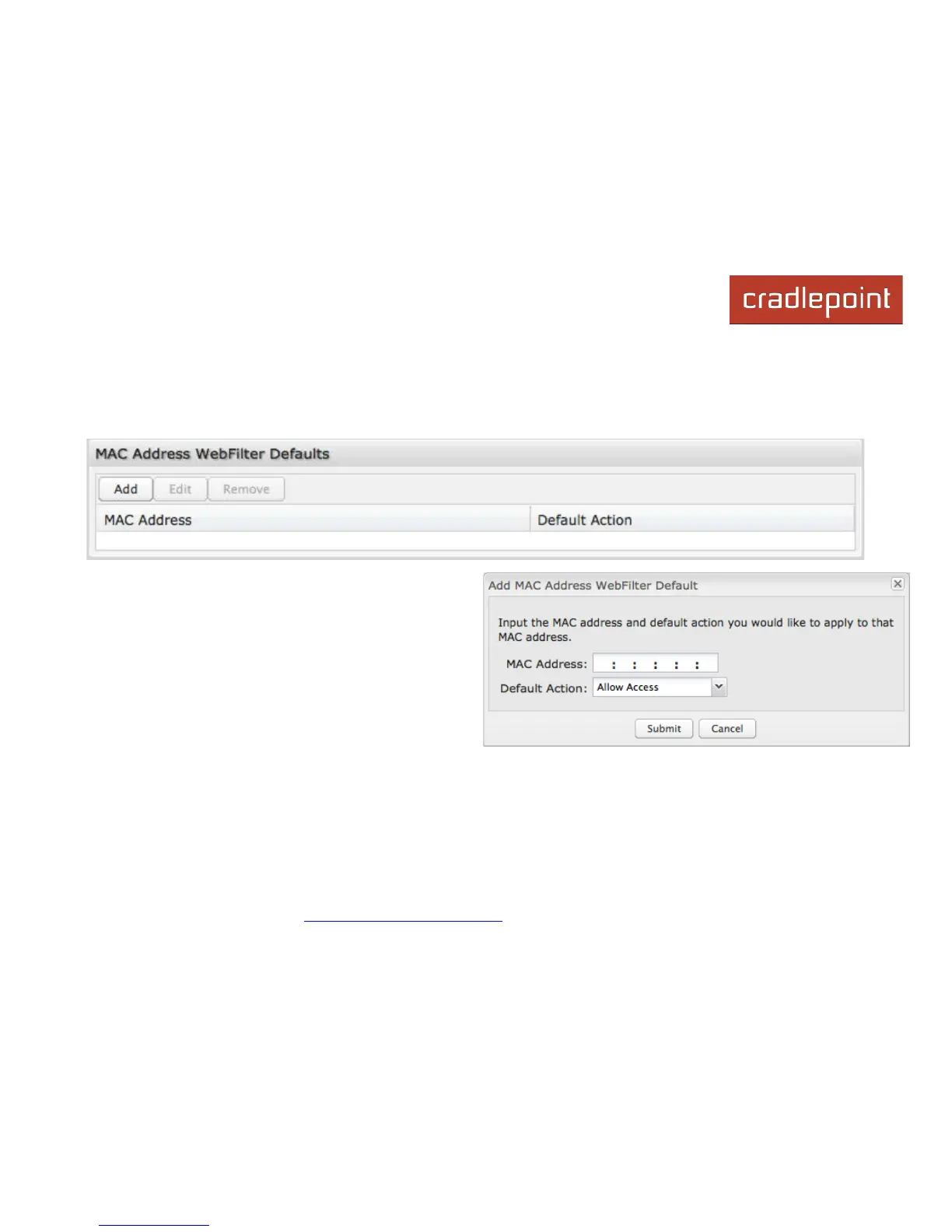
6.1.4 MAC Address WebFilter Defaults
Use MAC Address WebFilter Defaults together with MAC Address WebFilter Rules to control website access for
specific MAC addresses. By default, each MAC address is allowed website access. Click Add/Edit to change this setting
for a MAC address.
Input the MAC address and default action you would like
to apply to that MAC address.
Default Action: Select from the following dropdown options:
• Allow Access (default)
• Block Access
When a network is set to Allow Access, it will allow access
to sites not specifically blocked in the WebFilter Rules.
When a network is set to Block Access, it will block access
to sites not specifically allowed in the WebFilter Rules.














 To Next Page