CRADLEPOINT MBR95 | USER MANUAL Firmware ver. 3.6.3
SYSTEM SETTINGS → ADMINISTRATION
© 2011 CRADLEPOINT, INC. PLEASE VISIT HTTP://KNOWLEDGEBASE.CRADLEPOINT.COM/ FOR MORE HELP AND RESOURCES PAGE 108
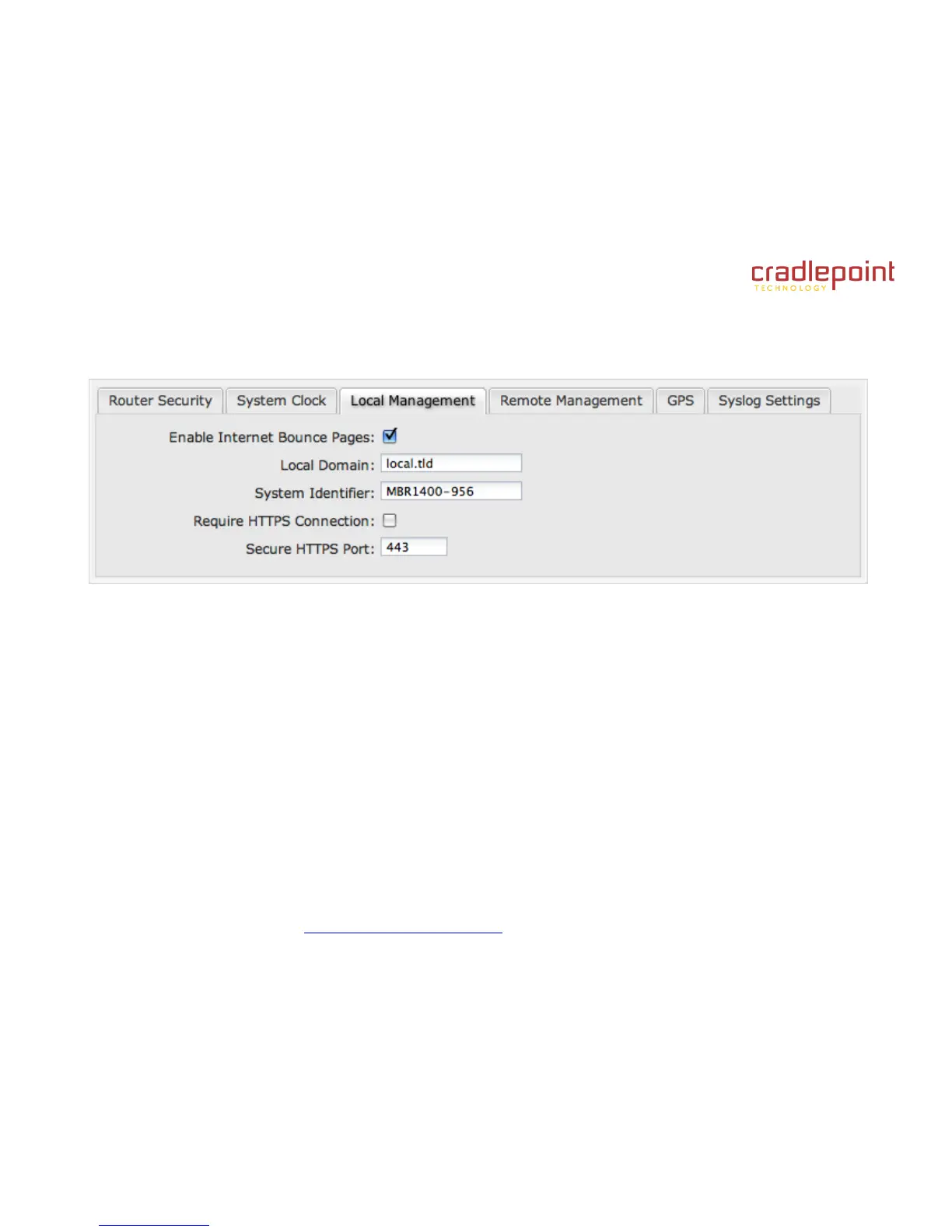
8.1.3 Local Management
Enable Internet Bounce Pages: Bounce pages show up in your web browser when the router is not connected to the
Internet. They inform you that you are not connected and try to explain why. If you disable bounce pages then you will just
get the usual browser timeout. In the normal case when the router is connected to the Internet you don't see them at all.
Local Domain: The local domain is used as the suffix for DNS entries of local hosts. This is tied to the hostnames of
DHCP clients as DHCP_HOSTNAME.LOCAL_DOMAIN.
System Identifier: This is a customizable identity that will be used in router reporting and alerting. The default value is the
MAC address of the router.
Require HTTPS Connection: Check this box if you want to encrypt all router administration communication.
Secure HTTPS Port: Enter the port number you want to use. The default is 443.















 To Next Page