CRADLEPOINT MBR95| USER MANUAL Firmware ver. 3.6.3
NETWORK SETTINGS → WIFI / LOCAL NETWORKS
© 2011 CRADLEPOINT, INC. PLEASE VISIT HTTP://KNOWLEDGEBASE.CRADLEPOINT.COM/ FOR MORE HELP AND RESOURCES PAGE 75
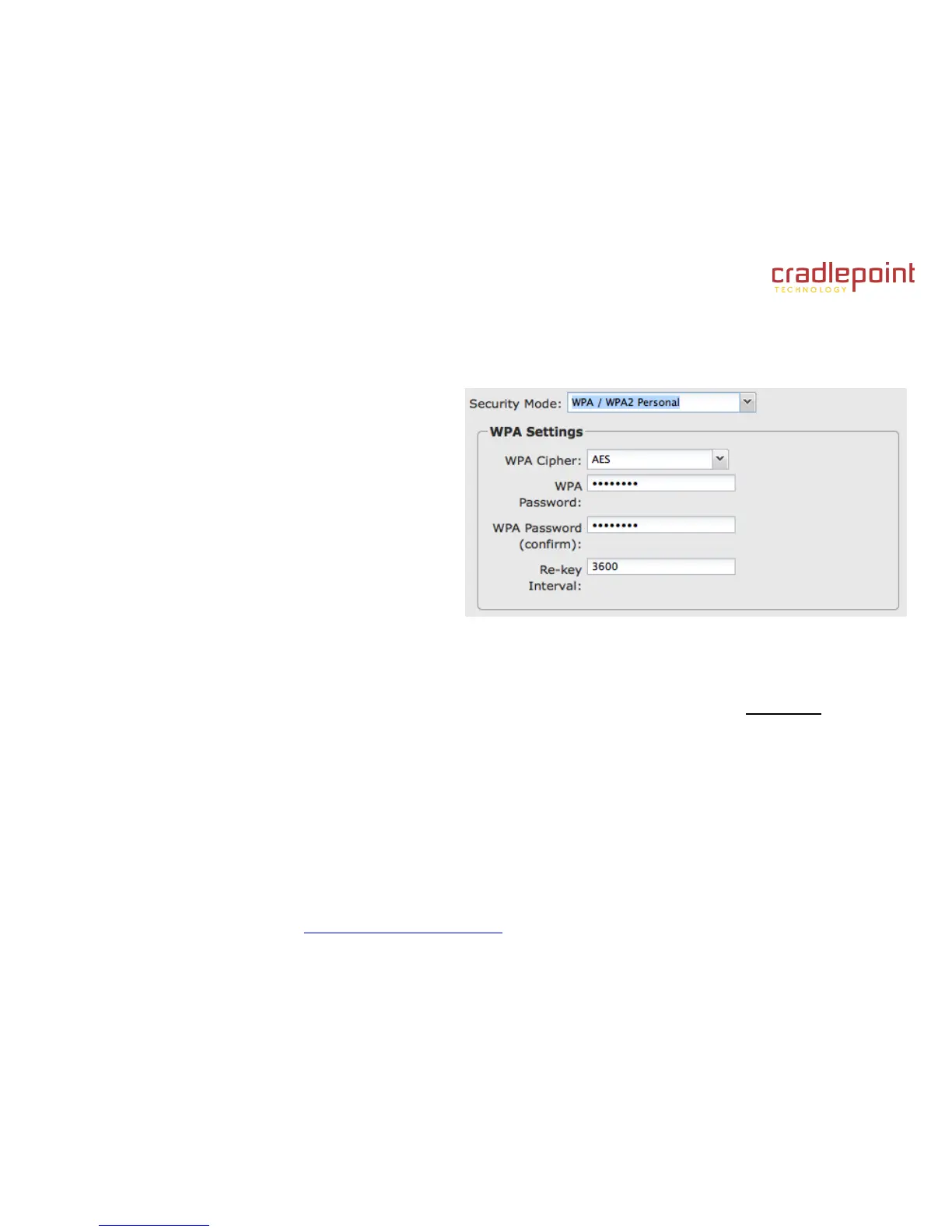
Security Mode: You have several options for selecting a security mode. The mode you choose depends on the security
features your wireless adapters support.
WPA2 Personal
WPA / WPA2 Personal
WPA Personal
WEP Auto
Open
Select “Open” to create a hotspot: otherwise select the
best security that your devices will support (CradlePoint
recommends WPA2).
Depending on which Security Mode you select, there are
different setup options.
“Personal” security modes require passwords.
“WPA2” (Personal) forces AES as the WPA
Cipher.
“WPA/WPA2” and “WPA” (Personal) allow AES, TKIP/AES, and TKIP.
“WEP Auto” requires a WEP Key.
“Open” has no password or other security measures.
In order to protect your network from hackers and unauthorized users, CradlePoint highly recommends WPA2/AES for
security if your attached devices can support it. WEP and WPA/TKIP are obsolete and have been replaced by WPA/AES.
Using those security settings will cause the WiFi to limit to 802.11g modes.
NOTE: If you select one of the security modes and are unable to connect to the router afterwards, you can use the reset buttons to reset the router
to its factory default state and try a different security mode instead.















 To Next Page