service@actionspares.com.au
MODEL: S002391 PRODUCT CODE: 14498 06/2020
AFTER SALES SUPPORT
1800 465 070
23
How To Use The Console Display (cont)
Power on and power off:
1. Power on
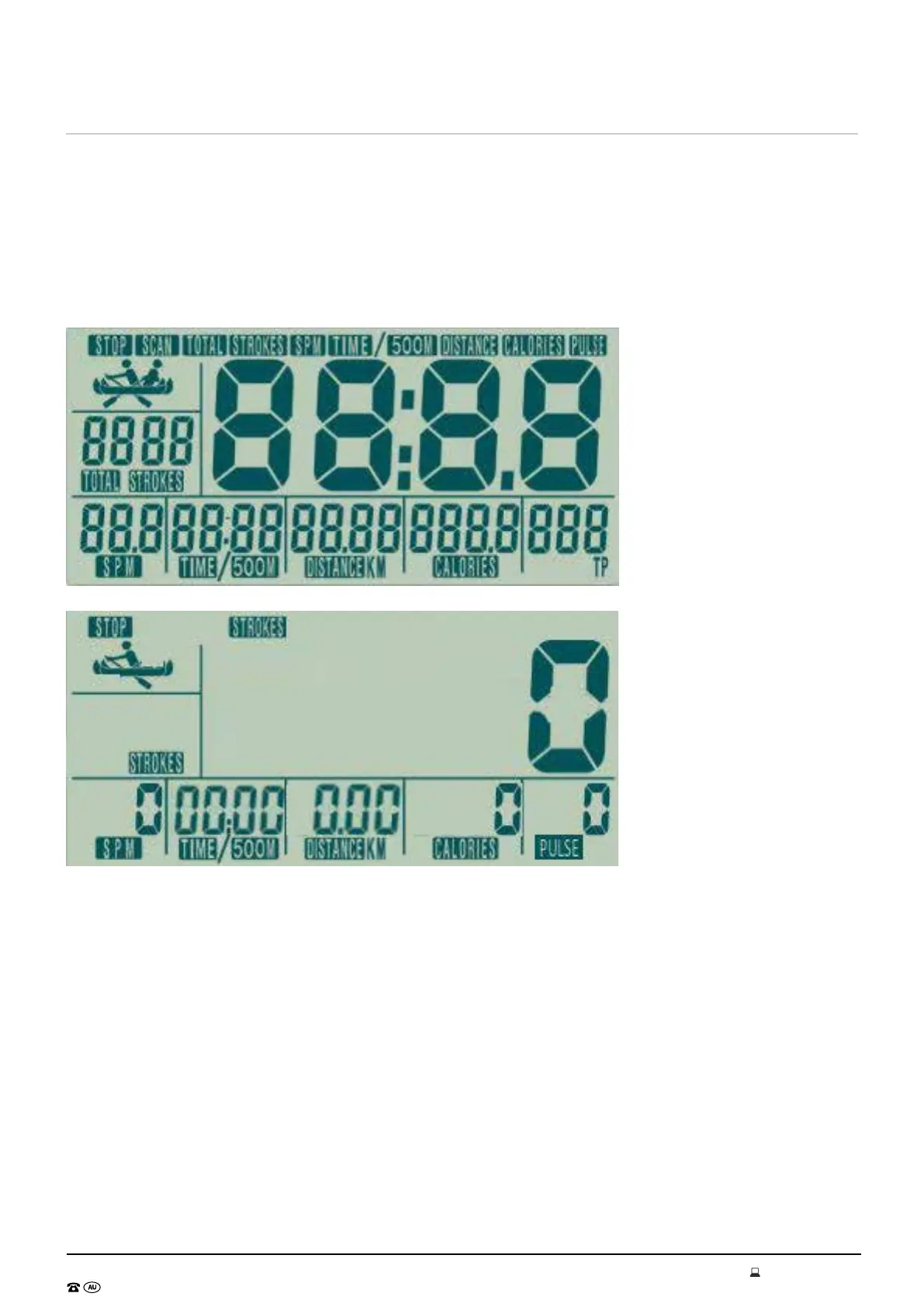
Install 2 x AA batteries, then the console will power on , LCD will full display 2s (picture 1). After that, it
will enter into standby mode.( picture 2)
2. Power on
1. Without any signal being transmitted into the monitor for 4 minutes , it will enter into Sleeping
mode.
2. As signal input or press any key, the console would wake up.


 To Next Page