21
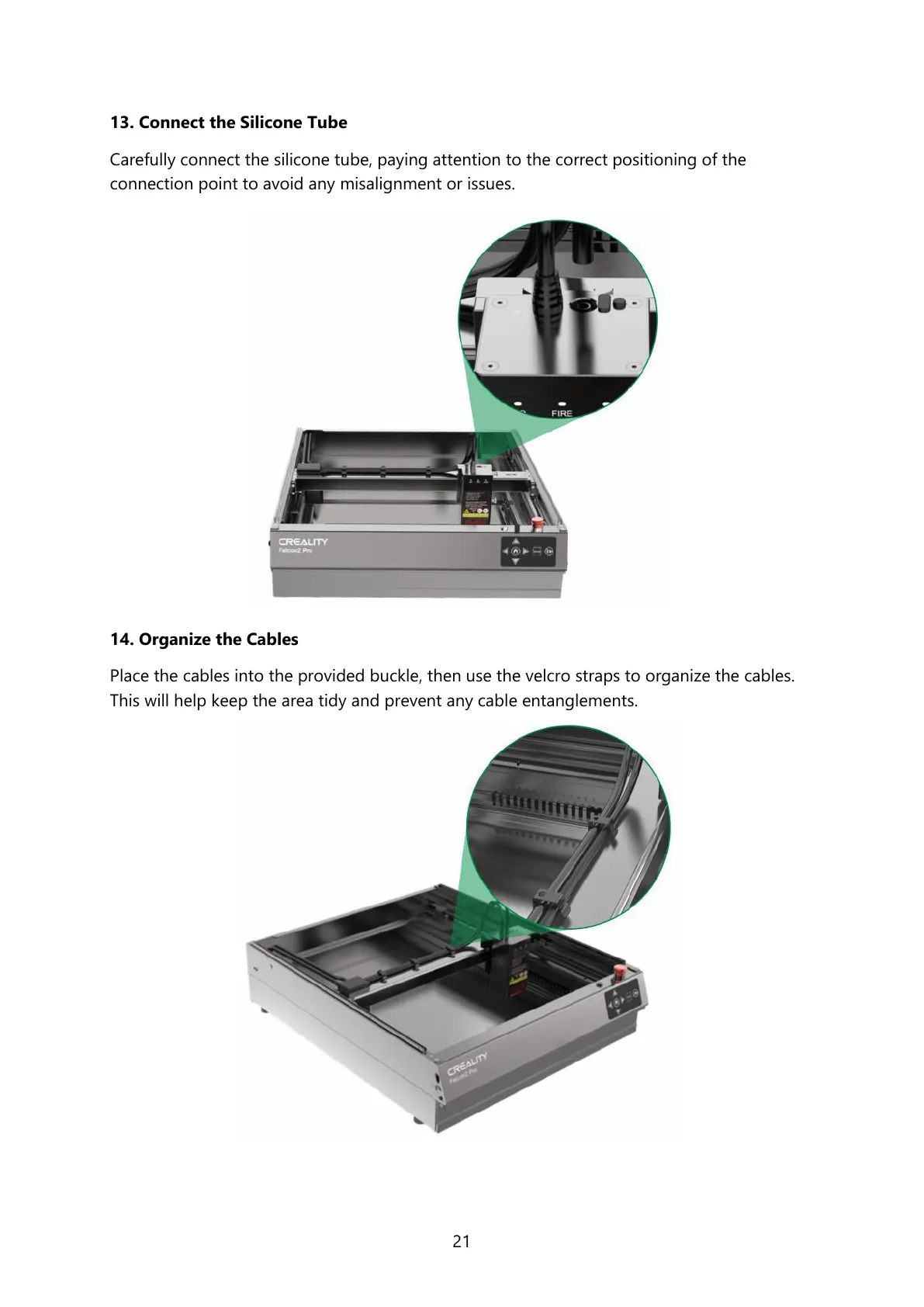
13. Connect the Silicone Tube
Carefully connect the silicone tube, paying attention to the correct positioning of the
connection point to avoid any misalignment or issues.
14. Organize the Cables
Place the cables into the provided buckle, then use the velcro straps to organize the cables.
This will help keep the area tidy and prevent any cable entanglements.



 To Next Page