10
Playing voice files on your computer
To play voice files on your computer, do the following:
1. Upload the voice files that you want to your computer (refer to “Uploading
files” on page 9).
2. Convert the voice file to an MP3 file.
i. On the computer file list frame, click the voice files that you want to convert to MP3
format.
ii. Click the
Convert
button. The
Voice to Mp3Converter
dialog box appears.
iii. Click the
Convert Now
button. It takes around one and a half minutes to convert one
voice file.
The converted file’s extension will be g726.
3. On the computer file list frame, right-click the voice file that you want to play,
and then click
Play
.
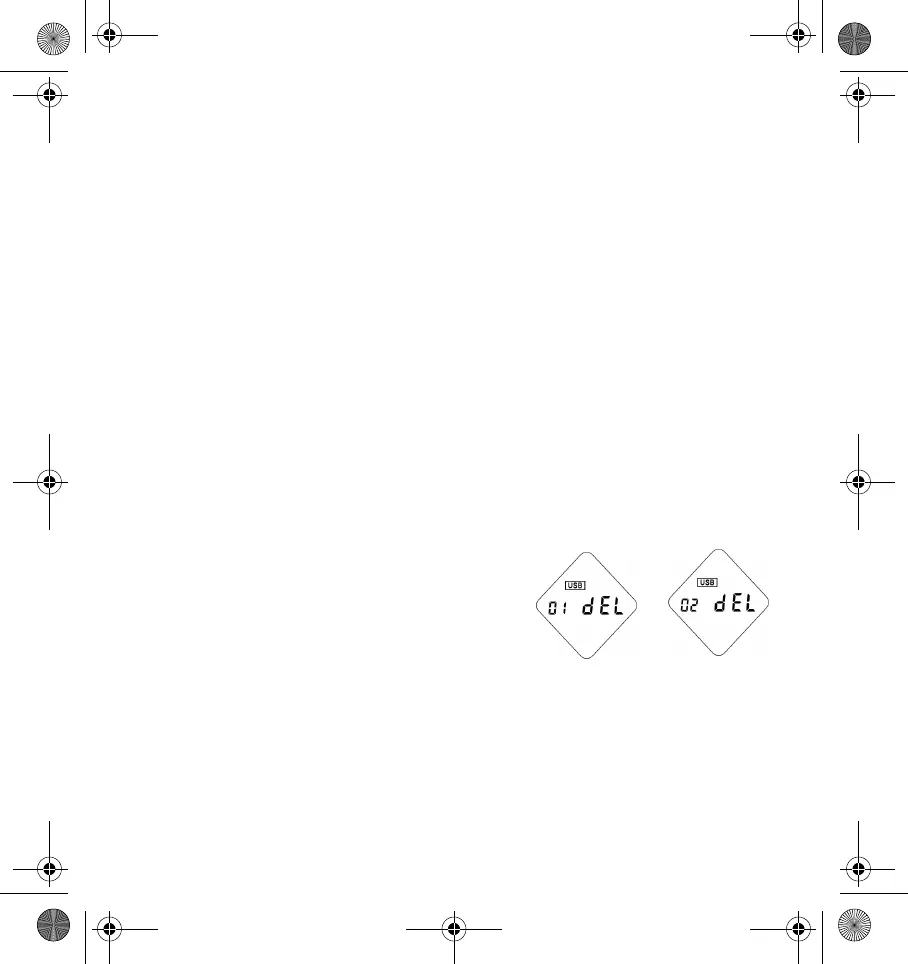
Deleting files from your player
To delete a file from your player, do the following:
1. Click the
Internal memory
or
External
memory
button to select the memory that
contains the files that you want to delete.
2. On the player file list frame, click the files
that you want to delete.
3. Click the
Delete
button.
Internal
memory
External
memory
DigMP3.book Page 10 Friday, April 12, 2002 3:26 PM












 To Next Page