Using Your Player 4-10
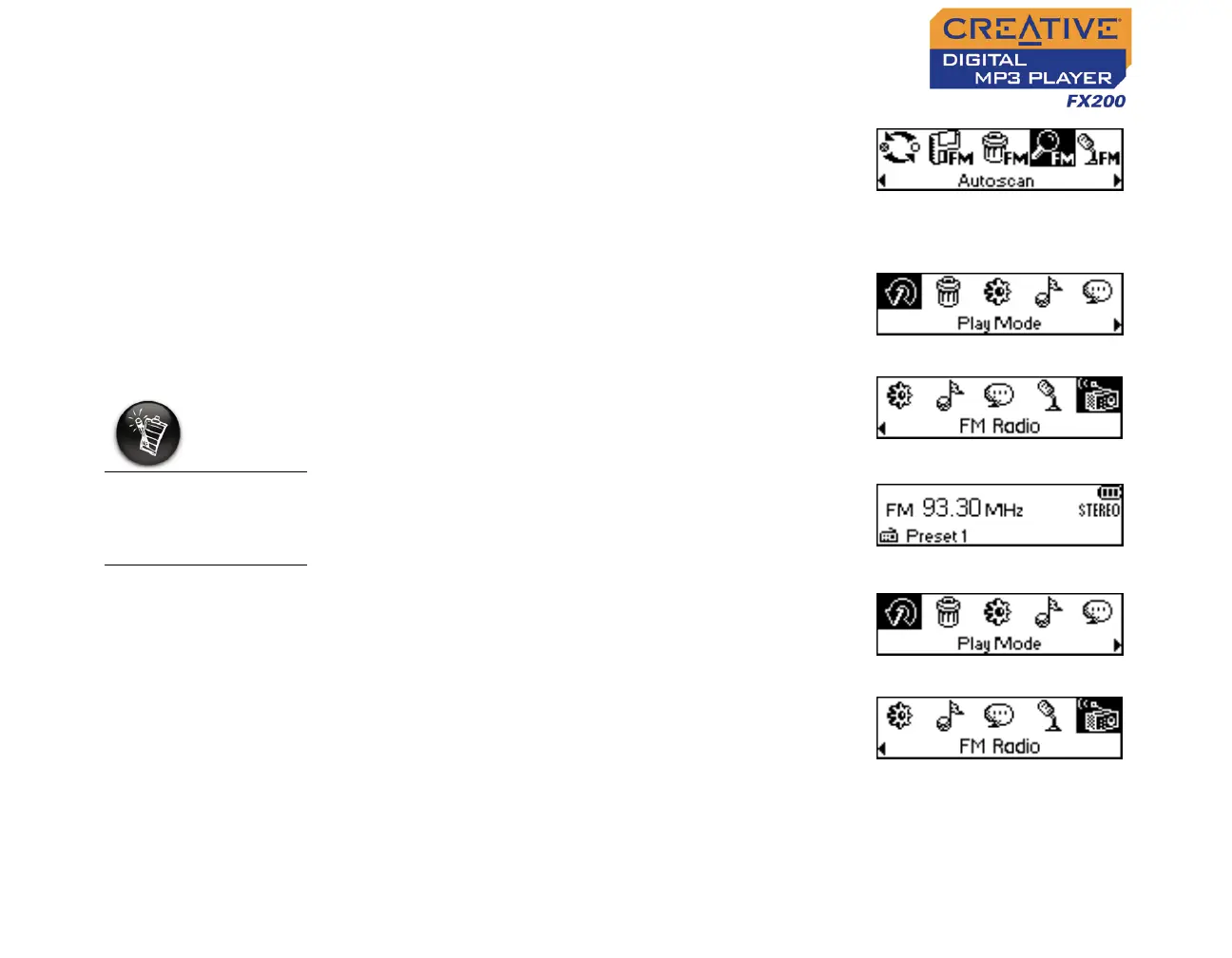
4. Scroll Select the Autoscan icon (Figure 4-28).
The player will scan and store channels it
detects. At the end of the autoscan, it will play
the first channel.
To select a channel
1. Press the Scroller.
The Main Menu similar to Figure 4-29
appears.
2. Scroll Select the FM Radio icon (Figure 4-30).
A radio frequency appears on the LCD screen
(Figure 4-31).
3. Turn the Scroller to select the preset channel
you want.
To manually scan an FM radio channel
1. Press the Scroller.
The Main Menu similar to Figure 4-32
appears.
2. Scroll Select the FM Radio icon (Figure 4-33).
A radio frequency appears on the LCD screen
(Figure 4-34).
Figure 4-28
Figure 4-29
Figure 4-30
If you do not see a
preset channel, press
the Play/Pause
button.
Figure 4-31
Figure 4-32
Figure 4-33












 To Next Page