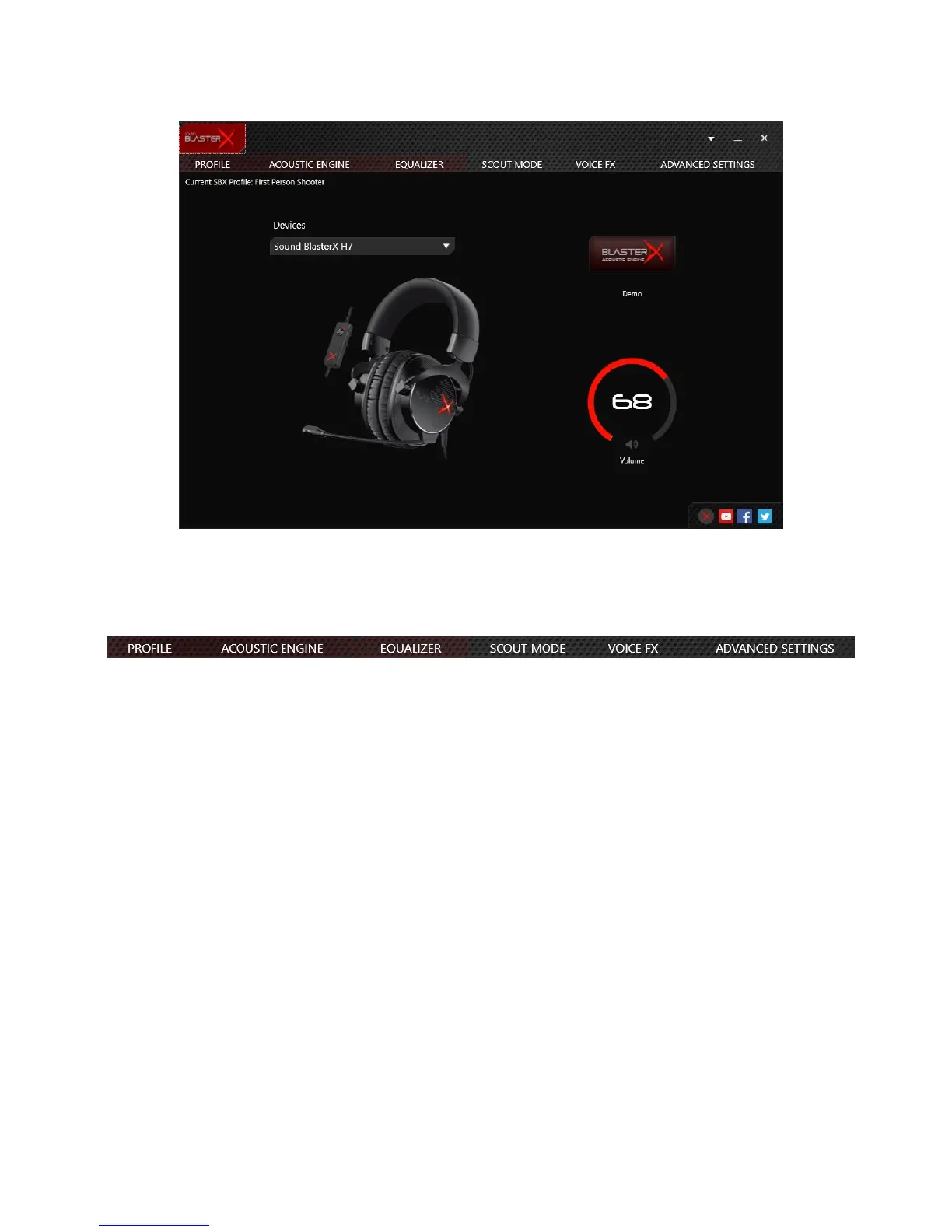
BlasterX Acoustic Engine Pro
Configuring Your Software Settings
Click each feature to access its settings page. More information on each feature can be found in their
respective sections in this manual.
Note:
X-Plus Signature settings will be disabled when BlasterX Acoustic Engine Pro is launched. To use X-
Plus Signature, launch the X-Plus Configurator application.
Sound BlasterX H7 Tournament Edition – Using the Creative Software Suite 11



 To Next Page