CreatingMusic
YoucansetupahomemusicstudiousingyourSoundBlasterX-Fi.
ThecomprehensivearrayofconnectivityoptionsofferedbytheX-FiI/ODrive*
andX-FiI/OConsole*enableyoutoputtogetheryourownproductions
consistingofmultiplemusictracksfromaMIDISynthesizer,anelectricguitar
oramicrophone.
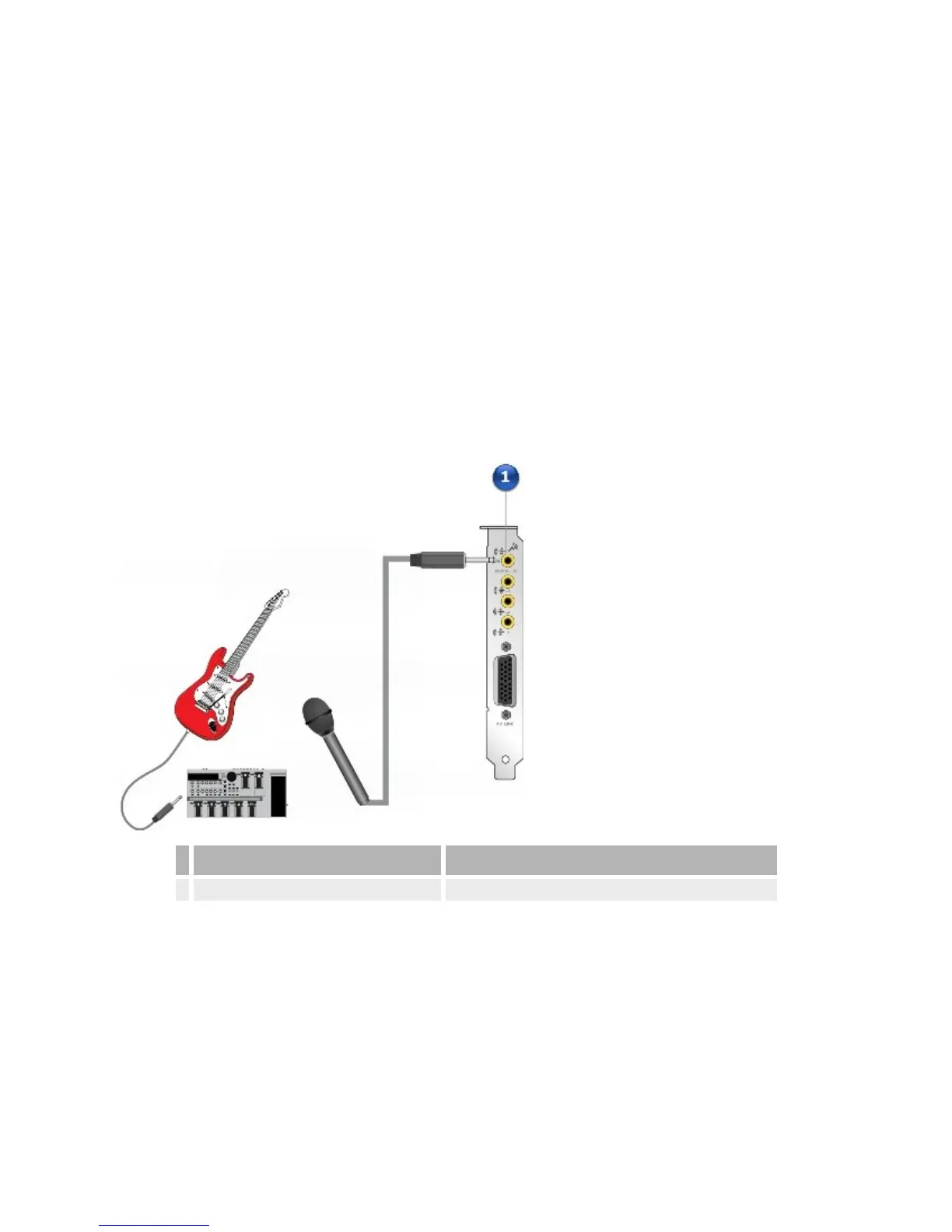
ConnectinginstrumentstoyourSoundBlasterX-Fiaudiocard
Connectamicrophoneoraline-levelsource(suchasanelectricguitarrunning
throughaPre-ampFXBox)totheFlexiJack.
Jack,ConnectororCable Description
1. FlexiJack Connectamicrophoneoraline-levelsourcetothisjack.
ConnectinginstrumentstoyourSoundBlasterX-FiI/ODrive
IfyouhaveinstalledtheX-FiI/ODrive,youcanalsoconnectaMIDI
Synthesizer,anelectricguitaroramicrophonetoit.














 To Next Page