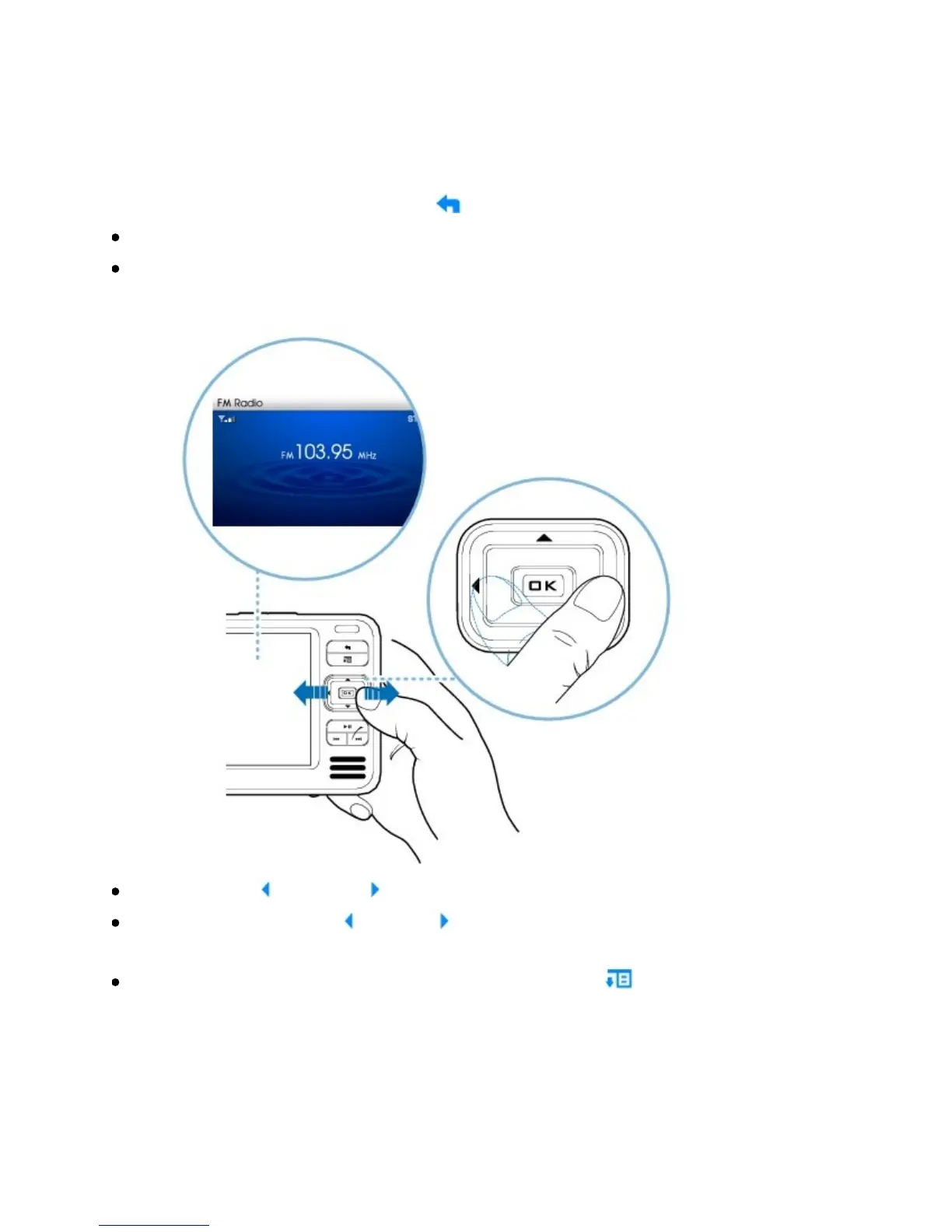
Performingamanualscan
1. PressandholdtheMenu/Back buttontoaccessthemainmenu.
SelectFMRadio.
Tofinetuneormanuallyscanforaradiostation,pressthePlay/Pausebutton
toswitchtothemanualtuningview.
PresstheLeft andRight buttonstofinetunetheradiofrequency.
PressandholdtheLeft orRight buttonsforonesecondtoscanforthenext
availableradiostation.
Tosavearadiostationasapreset,presstheOptions button,selectSave
AsPreset,andthenselectapresetnumber.



 To Next Page