StoppingYourPlayerProperly
IfyourplayerisinRemovableDiskmode,makesurethat:
youhavestoppedyourplayerproperlyinWindowsbeforeunpluggingit
fromtheUSBportonyourcomputer(refertothestepsforyourrespective
operatingsystem).
youdonotdisconnectyourplayerfromtheUSBportonyourcomputerwhen
transferringfilestoorfromthedevice,orwhenfilesstoredinyourplayerarein
use.
Caution!
OnlydisconnectyourplayeraftertheDonotDisconnectmessage
disappearsfromthedisplay.Ifnot,yourplayermaynotbeabletofunction
normally.
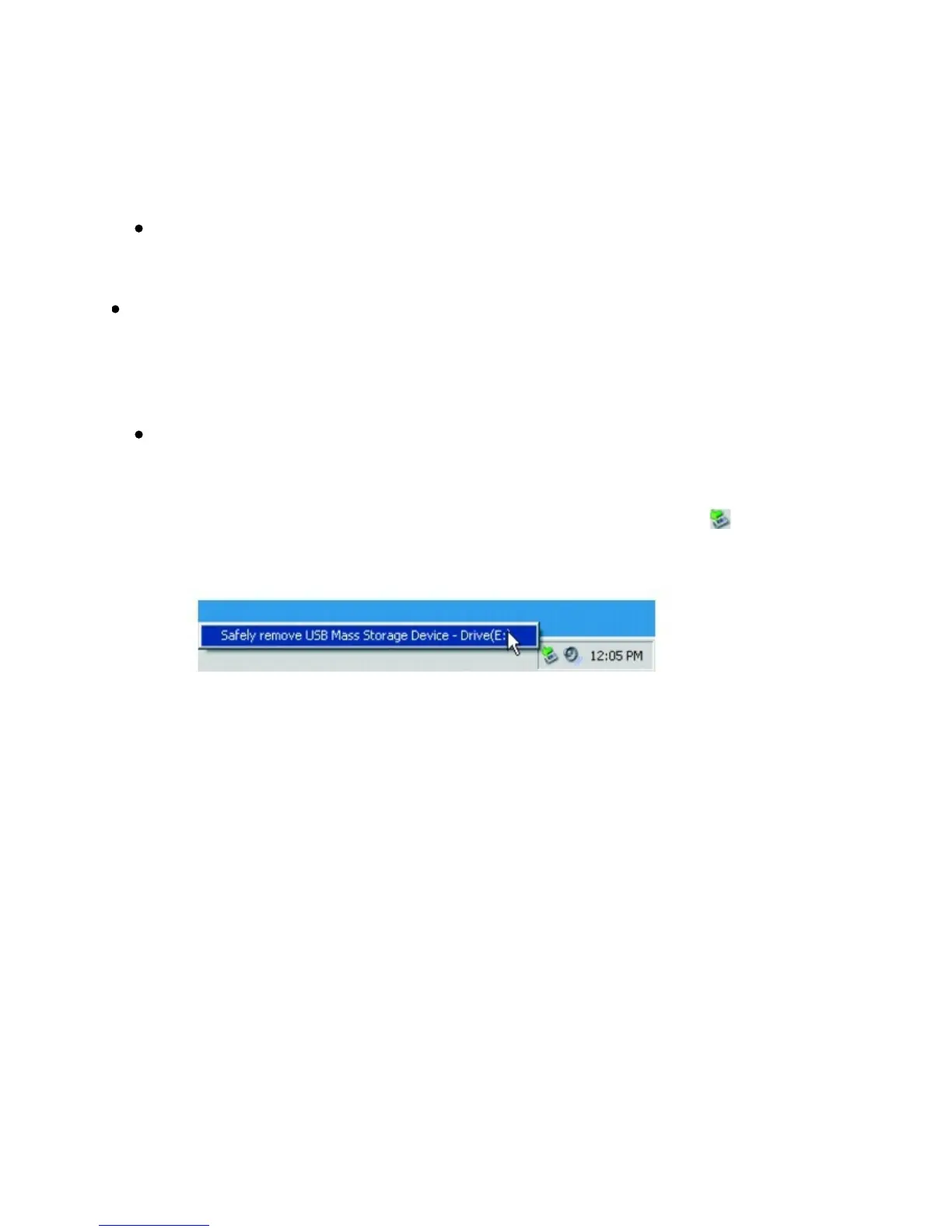
Tostopyourplayerproperly,clicktheSafelyRemoveHardware icononthe
Taskbar,clickSafelyremoveUSBMassStorageDevice,anddisconnectyour
playerwhenyouarepromptedtodoso.



 To Next Page