UsingYourPlayerasaRemovableDisk
1. PresstheMenu/Back buttontoaccessthemainmenu.
SelectExtras RemovableDisk.
Ifyouareselectingthismenuitemforthefirsttime,youmustselectthe
amountofdiskspaceyouwanttousefortheRemovableDiskmode.Todoso,
presstheOptions button,andselectthecapacitythatyouwant.
WhenyouseeRemovableDiskontheplayer'sdisplay,youarereadyto
transferdatafiles.
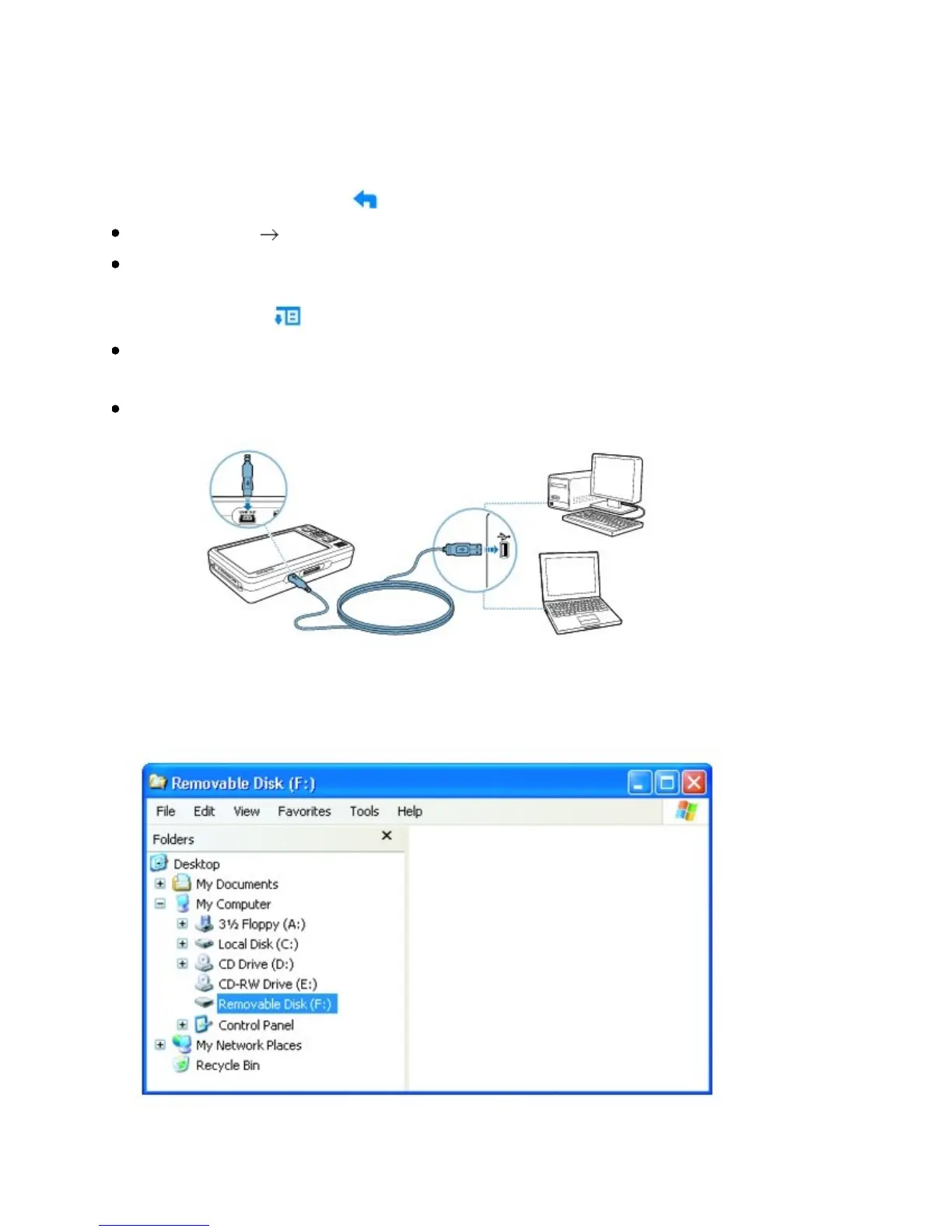
ConnectyourplayertoyourcomputerusingthesuppliedUSBcable.
YourplayerappearsasaRemovableDiskunderMyComputerinWindows
Explorer.



 To Next Page