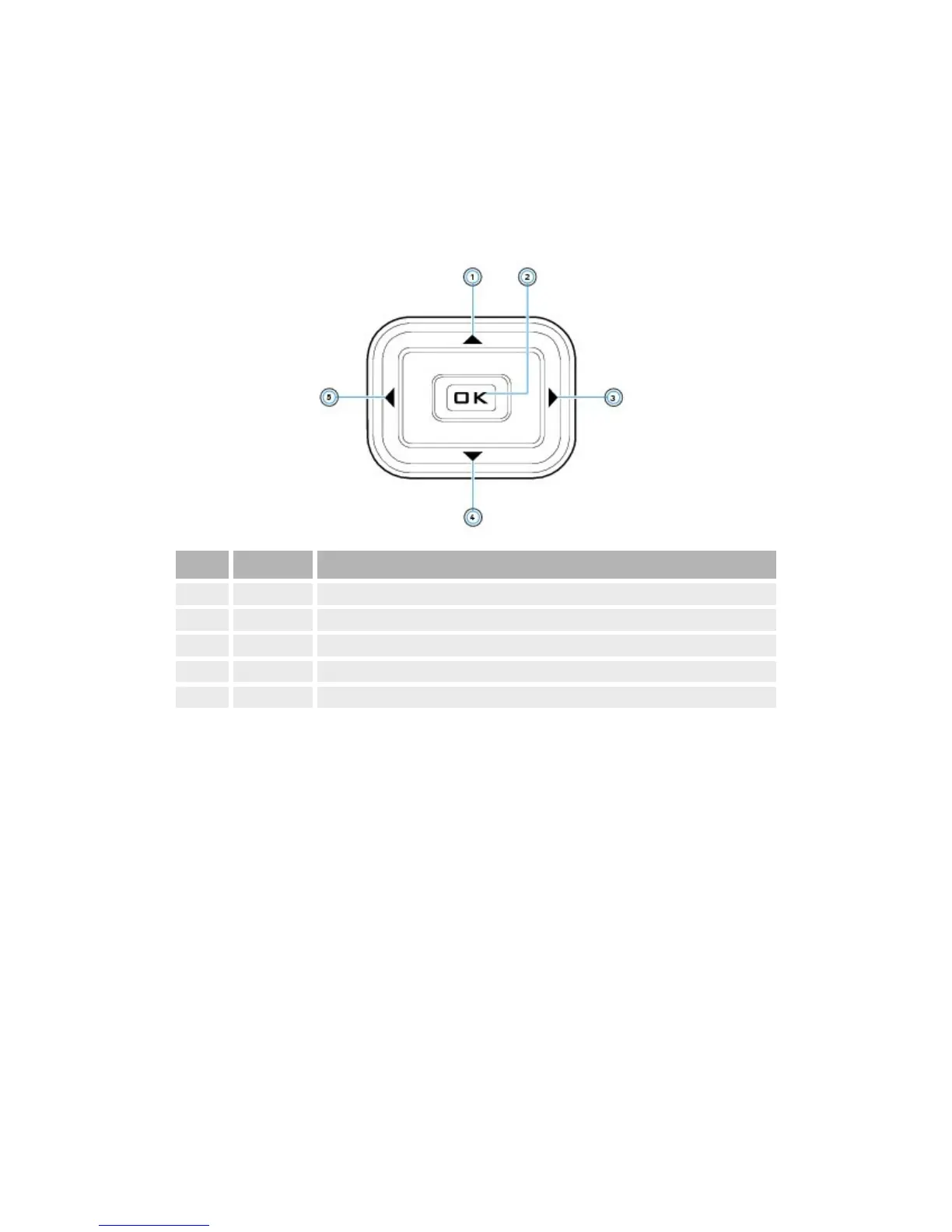
Navigationbuttons
Useyourplayer'sNavigationbuttonstoselectmenuitemsandaccessyour
player'sfunctions.
Button WhatItDoes
1. Upbutton Presstogotothemenuoptionorselectionabovethecurrentselection.
2. OKbutton Presstoselectthehighlightedmenuoptionorselectiononthescreen.
3. Rightbutton Presstogotothemenuoptionorselectiontotherightofthecurrentselection.
4. Downbutton Presstogotothemenuoptionorselectionbelowthecurrentselection.
5. Leftbutton Presstogotothemenuoptionorselectiontotheleftofthecurrentselection.



 To Next Page