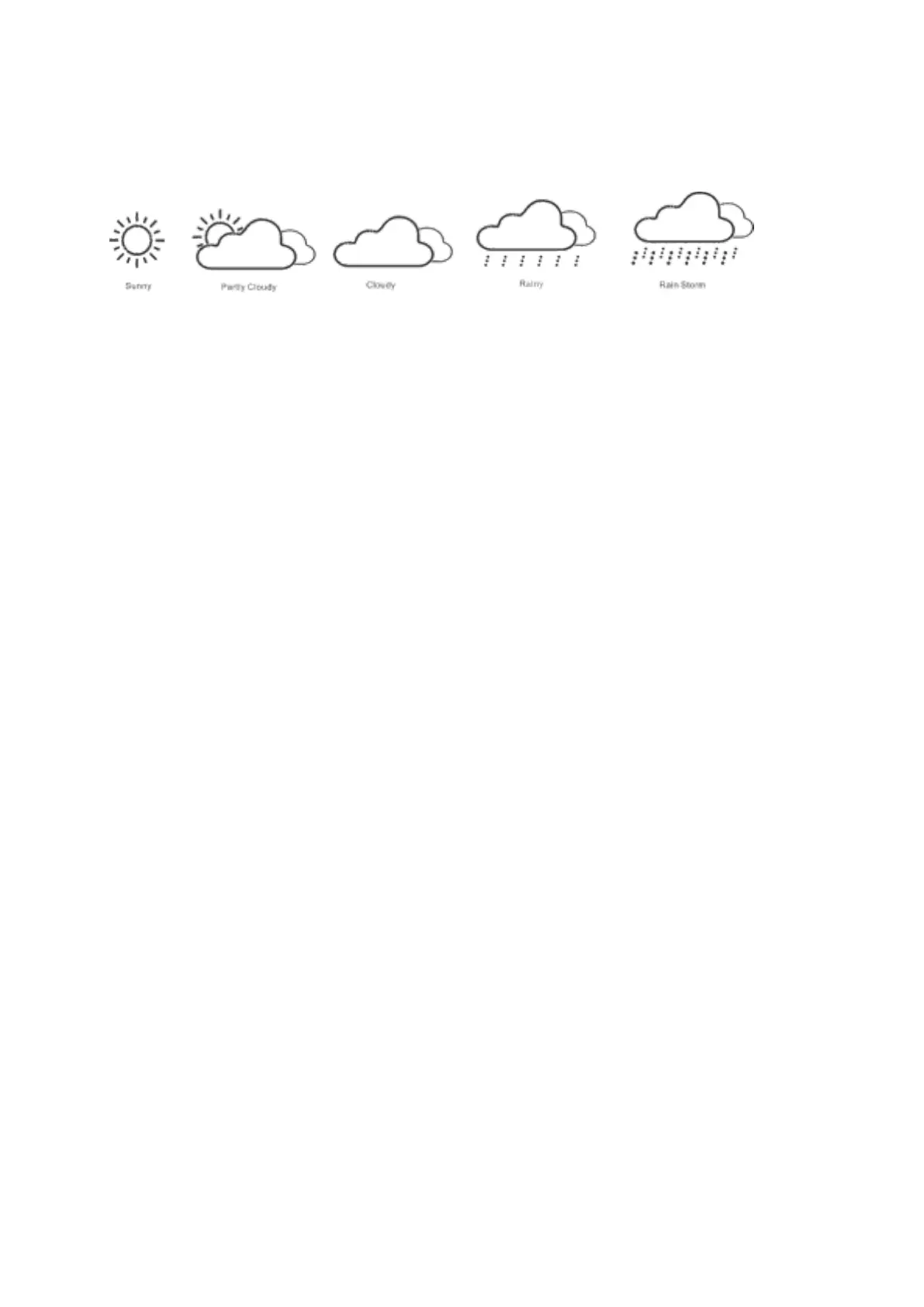
5 WEATHER FORCAST ICONS
SUNNY PARTLY CLOUDY CLOUDY RAIN CHANCE
STORM CHANCE
REMARK:
The current displayed icon reflects the weather forecast for the next 12–24 hours. It may not
reflect the current state of the weather.
BAROMETER AND BAR HISTORY FOR THE PAST 12 HOURS OF
AIRPRESSURE.
The air pressure can be displayed in hPa and inHg. The bar shows the air pressure
development of the past 12 hours.
When you insert the batteries, the altitude reading under the PRESSURE will flash,
Use “▲ “ and “▼ “ to select the altitude to adjust the pressure reading, The default setting is
„0“.
Press “SNOOZE
/
LIGHT“, the WEATHER icon flashing, use “▲“ and “▼“ to select the actual
weather.
Press “SNOOZE
/
LIGHT “ to confirm.
Please hold the “HISTORY“ key to enter the above when the weather station is in the normal
mode.
ILLUMINATION
Press the key “SNOOZE
/
LIGHT“ to activate the color display or turn the display off.
BACKLIGHT SETTING.
Please note: The SNOOZE/LIGHT button it is touch button, make sure not to touch it when
you do the manual set-up for functions not related to this button.
• Press and hold the key “SNOOZE
/
LIGHT
”
for 2 seconds to enter the a/b/c mode setting. In
the top left corner a LIGHTBULB icon is flashing with the letter “a”.
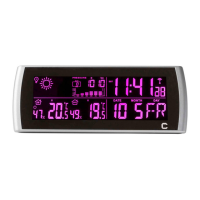
• In the “a” mode you can select the backlight color. Touching the SNOOZE/LIGHT button
will change the color of the display in the following order:
RED ➔ GREEN ➔ BLUE ➔ LIGHT GREEN ➔ PURPLE ➔ LIGHT BLUE ➔ WHITE ➔ RED......
Select the color of your choice and confirm by pressing the „ MODE“ button, which you
will find at the backside of the base station.


 To Next Page