Configure the Device
The extender can be configured and provisioned to a control system using
Crestron Toolbox software once it has been activated as described in
Connect to a Wi-Fi Network.
For more information on device configuration and control system
provisioning, refer to the appropriate sections in the Crestron Toolbox
help file.
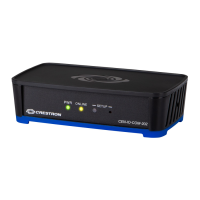
NOTE: To perform a factory reset, press and hold the SETUP button
for 10 seconds. All device settings will be restored to their factory
defaults.
Visit the Product Pages
Scan the QR code to visit the product pages.
CEN-IO-COM-202:
www.crestron.com/model/6507961
CEN-IO-DIGIN-204:
www.crestron.com/model/6507971
CEN-IO-IR-204:
www.crestron.com/model/6507962
CEN-IO-RY-204:
www.crestron.com/model/6507972
6
CEN-IOSeries
QuickStart
Wi-Fi® Network I/O Extenders



 To Next Page
 Loading...