8 • GLS-OIR-CSM-EX-BATT Product Manual — Doc. 9239A
Determine the Mounting Location
Use the following information to help determine the ideal mounting location.
NOTE: When determining the mounting location:
l
Avoid areas where false tripping may occur due to outside motion such as an open
door.
l
Identify and avoid areas of possible vibrations and air currents (for example,
projectors, fans, vents) and mount the sensor at least 5 feet (2 meters) away from
these items.
PIR Masking
Use the included masks to block part of the PIR sensor to prevent it from detecting motion in
that area. Insert the half mask into the dome of the occupancy sensor to block 180° of the
detection area or remove any of the twelve 30º perforations from the full mask for a custom
detection area.
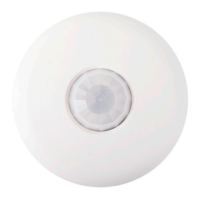
The following images provide typical illustration examples.
Occupancy Sensor Mounted in a Corner


 To Next Page
 Loading...