Product Manual — Doc. 7927K TSW-560, TSW-760, and TSW-1060 • 91
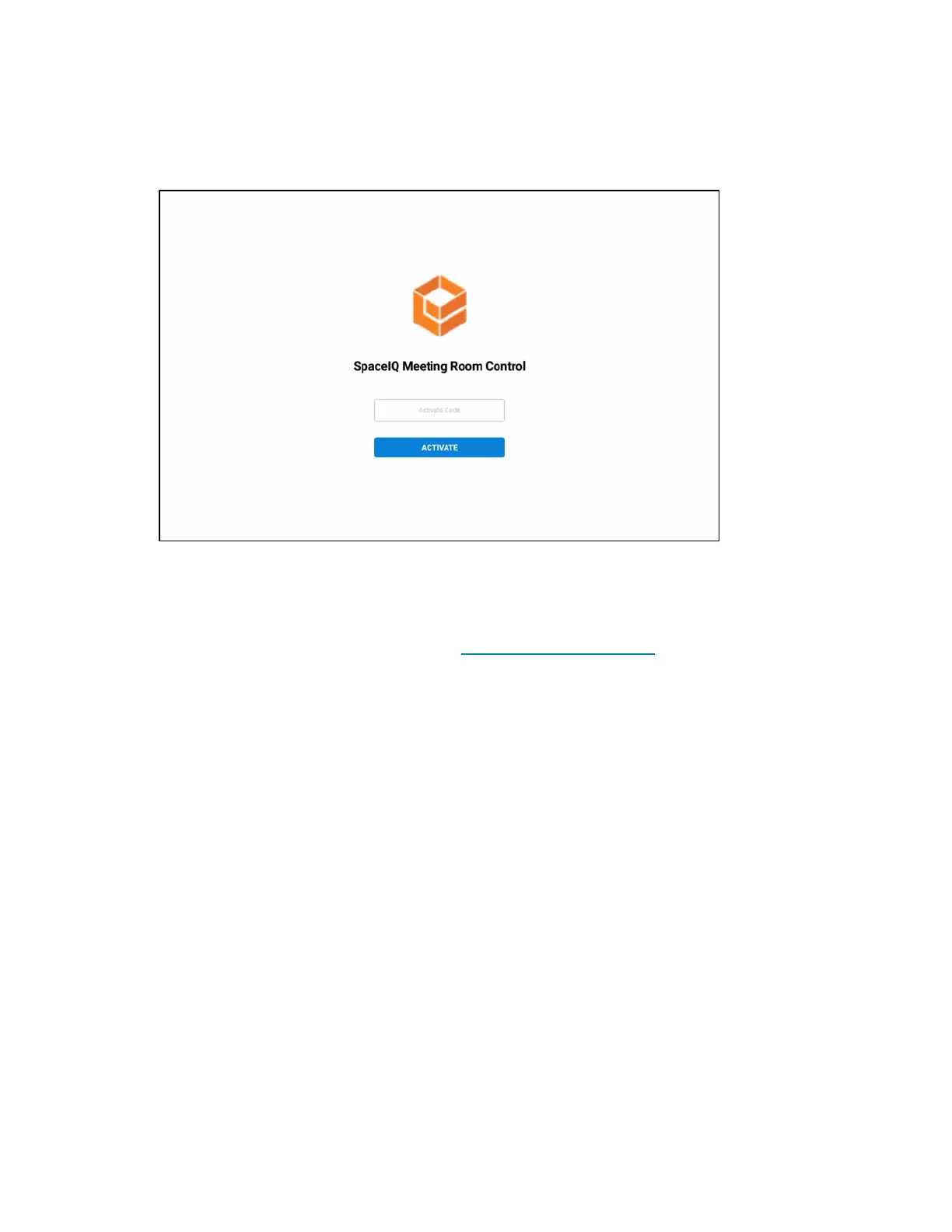
4. Reboot the touch screen. The SpaceIQ user interface is displayed on the touch screen
following the reboot.
SpaceIQMeeting Room Control
5. Obtain the activation code for the touch screen device in the SpaceIQ portal:
NOTE:The touch screen device and associated meeting room must be set up in the SpaceIQ
portal prior to activation. For more information, refer to the SpaceIQ online help.
a. Log in to your SpaceIQ account at https://main.spaceiq.com.
b. Select the building and floor that contains the touch screen device.
c. Enter the map edit mode.
d. Select the touch screen device from the map. The Edit device menu is displayed.
e. Select the associated meeting room from the Assigned Meeting Room drop-down
menu
f. Record the six-digit activation code listed under Code. Click RENEW to generate a
new activation code if necessary.












 To Next Page