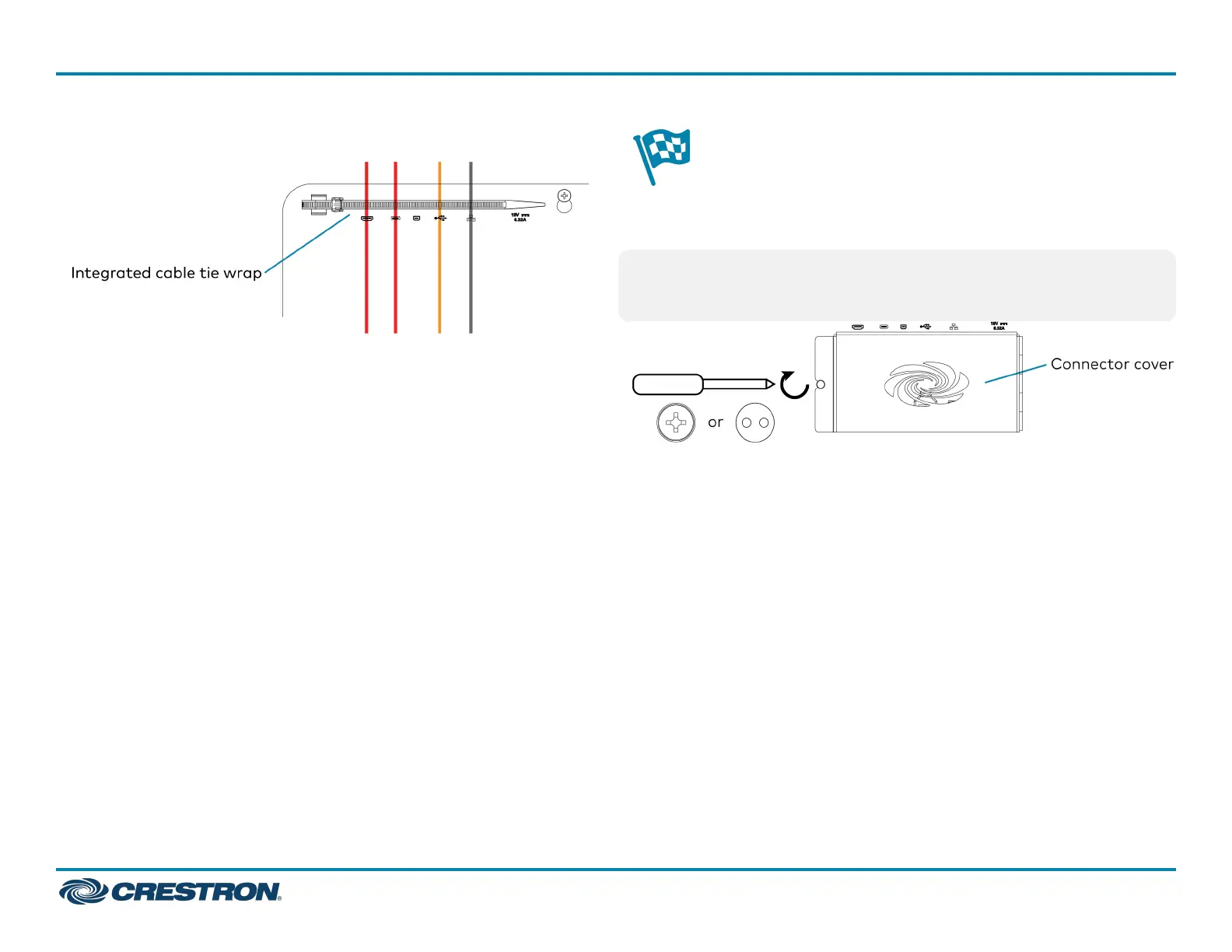
4. Bundle the cables with the integrated cable tie wraps. The cable tie
wraps are reusable.
Complete the Installation
After completing UC-ENGINE connections, secure the connector covers
using a #1 Phillips head screwdriver to replace the screws.
NOTE: For additional security, replace the screws with the spanner
screws included with the bracket assembly. A 1/4 in. bit is also supplied
with the bracket assembly to install the spanner screws.
UC-C160-T
QuickStart
Crestron Flex UC Video Conference System Integrator Solution for Microsoft Teams® Rooms
7



 To Next Page
 Loading...











