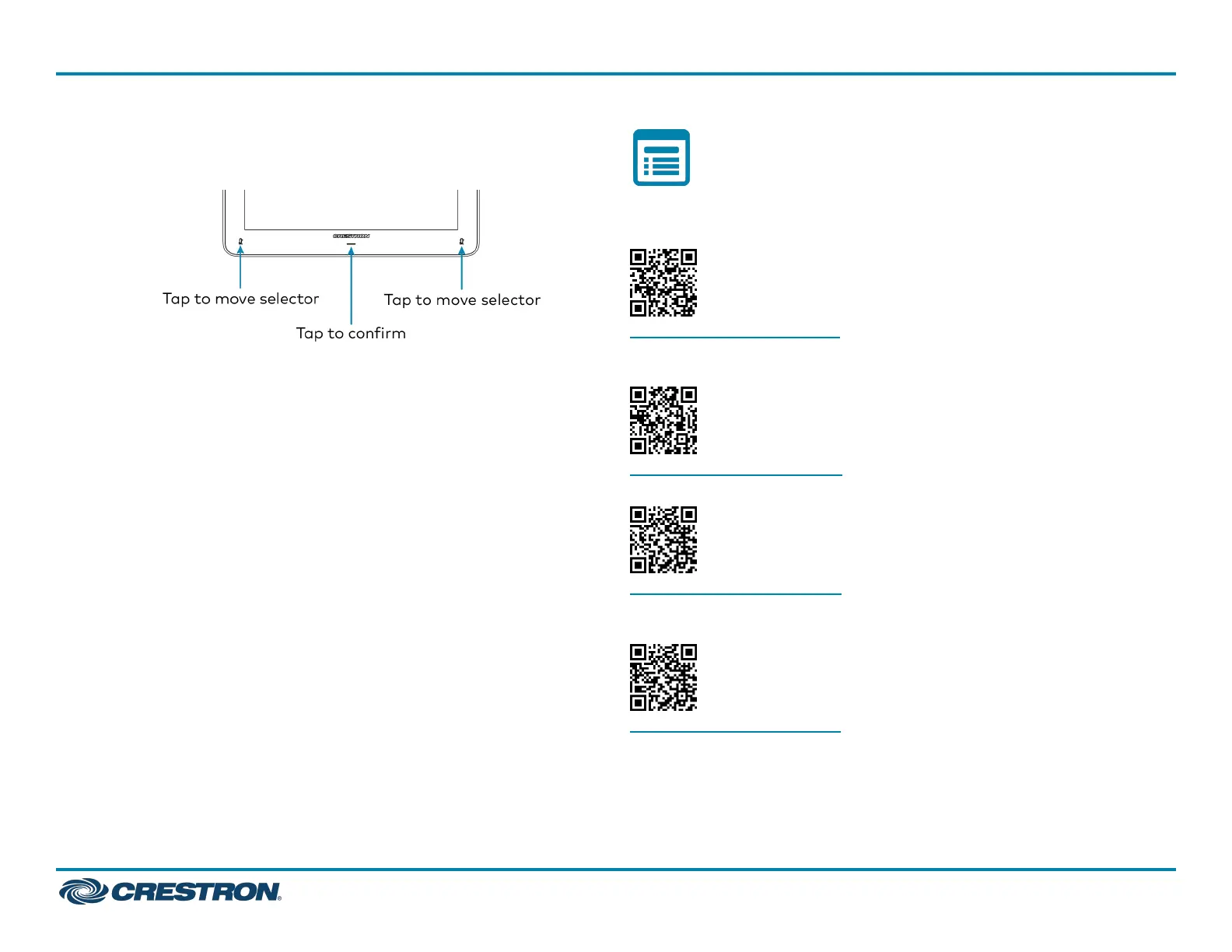
3. Tap one of the mute buttons to move the selector on the factory
reset confirmation screen to Yes. Tap the button below the Crestron
logo to confirm the factory reset.
4. The device will reboot.
Visit the Product Page
Scan the QR code to visit the product page.
UC-MMX30-T
www.crestron.com/model/6511629
UC-MMX30-T-I
www.crestron.com/model/6511630
UC-MMX30-T-L
www.crestron.com/model/6512188
UC-MMX30-T-L-I
www.crestron.com/model/6512189
21
UC-MMX30-T(-I) and UC-MMX30-T-L(-I)
QuickStart
Crestron Flex Advanced Tabletop Small Room Video Conference System for Microsoft Teams® Rooms



 To Next Page
 Loading...










