Place on a Flat Surface
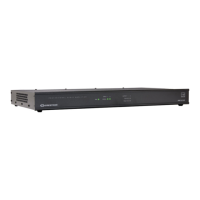
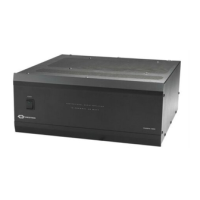
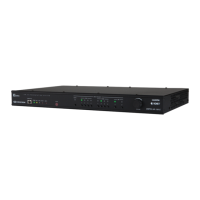
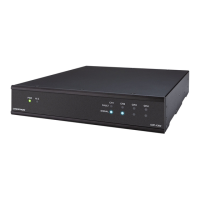
Place the amplifier on a flat surface such as a table.
Connect
Make the necessary connections as called out in the following diagrams.
Connect power last.
CAUTIONS:
l Keep the device unplugged until all of the input and speaker wiring
is complete.
l Check the connections for shorts and frayed wiring at all the
input/output connectors.
l For terminals that have no conductive parts accessible after wiring
is installed, refer to the wiring instructions.
NOTES:
l Ensure that the unit is properly grounded by connecting the chassis
ground lug to an earth ground (building steel).
l To prevent overheating, do not operate this product in an area that
exceeds the environmental temperature range of 41 to 104°F (5° to
40°C).
6
AMP-X75
QuickStart
X-Series Amplifier,75 W






 To Next Page