1. From the Home screen, swipe up to access Apps, and tap Settings.
2. Tap Apps > SEE ALL APPS.
3. Tap the app you want to disable to access App info screen.
4. Tap DISABLE.
Apps list
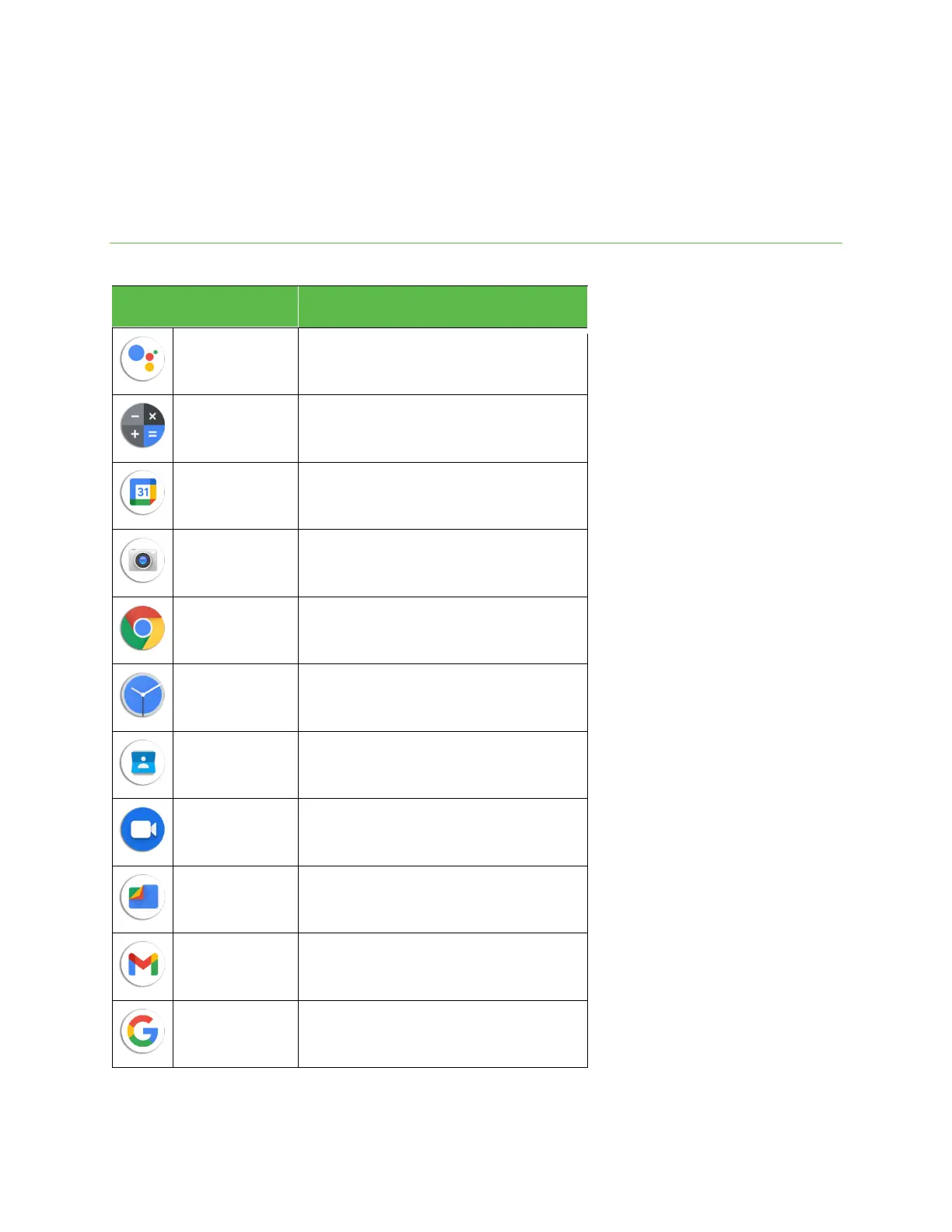
The Apps list expands to include any apps you download and install on your phone. The following table outlines the primary apps that have been
preinstalled on your phone.
Use voice assistant to trigger apps and devices, ask all
kinds of questions, make plans, and carry out a variety
of useful tasks.
Perform basic and advanced mathematical
calculations.
Create and manage events, meetings, and
appointments, organize your time, and schedule
reminders for important events.
Take and share pictures and videos.
Surf the Internet with Google’s easy-to-use web
browser.
Set alarms, view time zones around the world, use a
stopwatch, set a timer, and use your phone as a desk
clock.
Manage all of your contacts in one place.
Make free high-definition video calls to your friends
and family.
Access all of your documents, pictures, videos, and
downloads.
Send, receive, and manage your email messages. This
app supports email accounts for Gmail, Yahoo!
®
,
Hotmail
®
, and more.
Search for information saved on the phone and within
phone applications as well as on the Internet.



 To Next Page