34 GB/IE/NI
Press the MODE button
14
repeatedly to
scroll through the different functions. Press
and hold the SET button
20
to request or
reset the saved values.
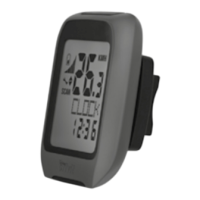
The bicycle computer features the
following functions:
ADVANCE mode: By pressing the MODE button
14
you can select the following function displays:
CLOCK > TOTALODO > TOTAL-TM > TRIPDIST >
MAXSPEED > AVGSPEED > TRIPTIME > TEMP >
STPWATCH > CAL RATE > CALORIE > FAT-BURN
> CO2 KG > FUELSAVE > ETASTART > KM+ / - >
TIME+ / - > SCAN
EASY mode:
By pressing the MODE button
14
you can select
the following function displays:
TRIPDIST > MAXSPEED > AVGSPEED > TRIPTIME
Note: You can also apply your own settings to
turn on the remaining function displays. See
“CUSTOMIZE mode” chapter.



 To Next Page