18 GB
Use
Use
j Attach the pedometer tightly onto your belt using the belt clip
10
(see Fig. F).
IMPORTANT! The pedometer must be secured properly and
safely. This is the only way to ensure accurate measurement.
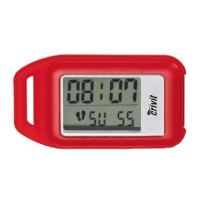
The pedometer now registers the motion of your body and records
the number of steps taken, distance covered and elapsed time and
calculates the average speed and calories burned. The pedometer
automatically detects whether you are walking or running.
Note: The recorded values are approximate. A varying stride
length and external factors such as clothing, terrain etc. can hinder
exact measurement.
Tip! Switch the device to hold mode to prevent unwanted
measurement (route to training location etc.) (see “Hold mode /
Count mode”).
Q
Viewing current training records
For this function, the device must be in count mode (see “Hold
mode / Count mode”).
j Press the MODE button
4
. STEPS appears on the function
bar
14
. The number of steps taken appears on the LCD
screen. Other training data appear on the LCD screen. Press



 To Next Page