20 GB
Use
Use
j Press the FUNC button
2
to switch to function mode. DAY
appears on the function bar
14
. The km
15
and kcal
17
icons
and the corresponding data for the entire week of training
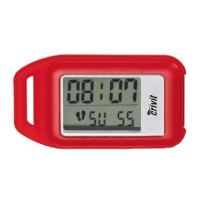
appear on the LCD screen.
j Press the MODE button
4
to switch from one training day to
the next. The km
15
and kcal
17
icons and the corresponding
data for each of the training days appear on the LCD screen.
Note: The days of the week are represented by numbers
(see “Setting the day of the week”). If no number appears
under DAY, the LCD is displaying the results for the entire week
of training.
Note: Please note that the records for Day 7 are not dis-
played. Day 7 is either the current day or has not yet occurred
in the current week of training.
j Press the FUNC button
2
twice to return to count mode.
Note: Please note that you can only delete data for the week as
a whole - not for separate training days (see “Restore factory
settings”)
Q
Using the stopwatch
Note: The stopwatch measures time up to a maximum of
59:59.99 (minutes / seconds). Beyond this amount the numeric dis-
play
18
is automatically reset to 00:00.00 and continues counting.



 To Next Page